Gridwright
Your tile size is the first decision that every other asset has to respect. Pick it early and stick to it: mixing grids is the most common reason pixel art games look messy.
16x16: classic and fast
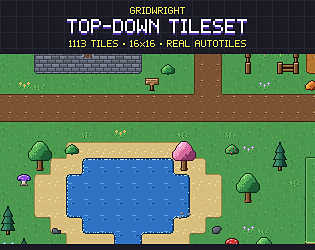
16x16 is the grid of classic top-down RPGs and platformers. Sprites read clearly at small sizes, levels are quick to build, and it scales cleanly to 1080p at 4x or 5x.
32x32: more detail per tile
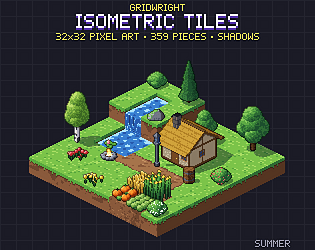
32x32 gives room for shading, readable furniture and isometric blocks. It is a good fit for isometric maps, interiors and icon sets where players need to tell items apart.
64x64 and up: characters and effects
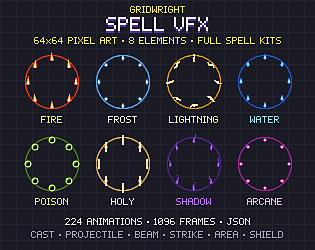
Large cells suit animated characters, portraits, bosses and spell effects. Keep the environment on a smaller grid and let characters and VFX overlap it.
Quick checklist
- Pick the base resolution of your game first (for example 320x180 or 640x360).
- Choose a tile size that divides it cleanly.
- Use integer scaling only, never fractional.
- Buy or make every pack on the same grid.