Pixel Art Background Remover
Transparent sprites from a flat background
Your pictures stay on your computer: nothing is uploaded. Something it gets wrong, or a tool you want next? Tell us in our Discord.
The Pixel Art Background Remover makes a white or solid-colour background transparent on sprites and sprite sheets. It finds the background colour on the picture's edges and corners, or you click the colour you want gone. A checkerboard saved into the picture is two colours, and it finds both.
Clear from the edges and the background goes up to each sprite's outline and stops, so white eyes and highlights inside stay. Clear every matching pixel to take the colour between frames and inside sprites too, or click a closed-in bit of background to clear just that. Tolerance takes the near colours a JPG or a scaled picture leaves, halo cleanup takes the light fringe round a sprite, and specks removes stray dots.
Every pixel comes out fully solid or fully clear, so the edges stay sharp in Godot, Unity and any other engine. Drop many files at once and download them together as a ZIP. It never uploads your pictures, so it works for unreleased game art too.
A first session
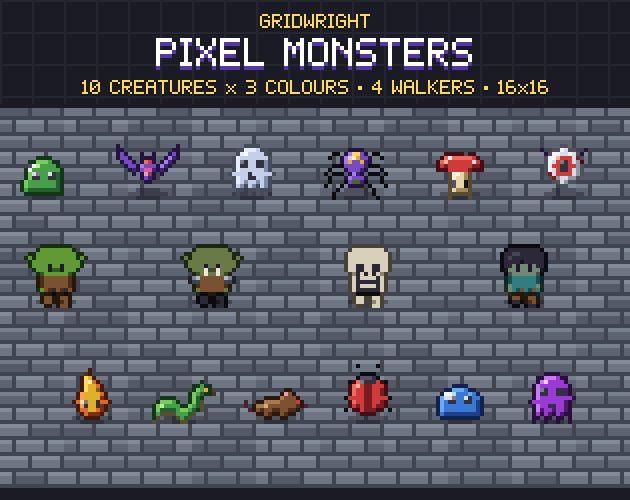
- 1Drop a sprite or a sheet on the box, or many at once (or try our monsters).
- 2Check the colour it found, or click the background on the left picture to pick it.
- 3Choose from the edges or every matching pixel; raise the tolerance and the halo cleanup until the edges are clean.
- 4Look at it on black, white and pink, then download the PNG or the ZIP.
- It exports
- Transparent PNG
- ZIP of every picture
- Hard edges: every pixel fully solid or fully clear
- Try it, then buy it
- Try it free on this page. Downloading what you make comes with the tool, bought once.
- Can I use what I make in a commercial game?
- Yes. What you make with the tools is yours to use in your games, commercial ones too, under the Gridwright licence.