Pixel Palette & Shading Ramp Maker
Shading ramps and palettes for pixel art
Ramps
5 rows, 25 colours
Preview: skin
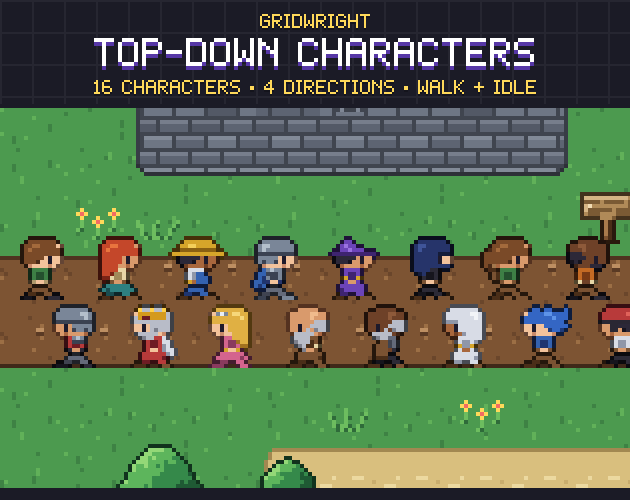
Our sprites, shaded with this ramp: the outline takes the darkest colour, the shine the lightest. Pick a ramp below to see it.
Everything happens in your browser. A palette you miss, or a tool you want next? Tell us in our Discord.
The Pixel Palette & Shading Ramp Maker is a pixel art palette and color ramp generator. Each base colour becomes a shading ramp: darker steps for the shadows and lighter ones for the light, from 2 to 12 colours. The lightness is spaced the way the eye sees it, so every step reads as one even step darker or lighter.
Hue shifting is built in: shadows turn cooler, toward blue, and highlights warmer, toward yellow, the way pixel artists shade instead of only adding black and white. Set the contrast, the saturation and its curve, and watch each ramp shade our own sprites as you go, or check it in greyscale to see if it reads without its colour. Lock any colour you set by hand, reorder the ramps, or load a palette you already use.
Save the palette as .hex for Lospec and Aseprite, .gpl for GIMP, Aseprite and Krita, a PNG strip, and a Godot 4 Gradient for each ramp. Try it on the page with no account.
A first session
- 1Start from our five base colours, or load your own palette (.hex, .gpl, .pal or a PNG strip).
- 2Change a base colour or add a ramp; set the colours per ramp, the contrast and the hue shift.
- 3Pick a ramp to shade the sprites, try the greyscale check, and lock the colours you fix by hand.
- 4Download the .hex, .gpl, PNG strip and Godot gradients, or all of them as a ZIP.
- It exports
- .hex palette
- .gpl palette (GIMP, Aseprite, Krita)
- PNG strip and ramp swatches
- Godot 4 Gradient (.tres) per ramp
- Try it, then buy it
- Try it free on this page. Downloading what you make comes with the tool, bought once.
- Can I use what I make in a commercial game?
- Yes. What you make with the tools is yours to use in your games, commercial ones too, under the Gridwright licence.