 Gridwright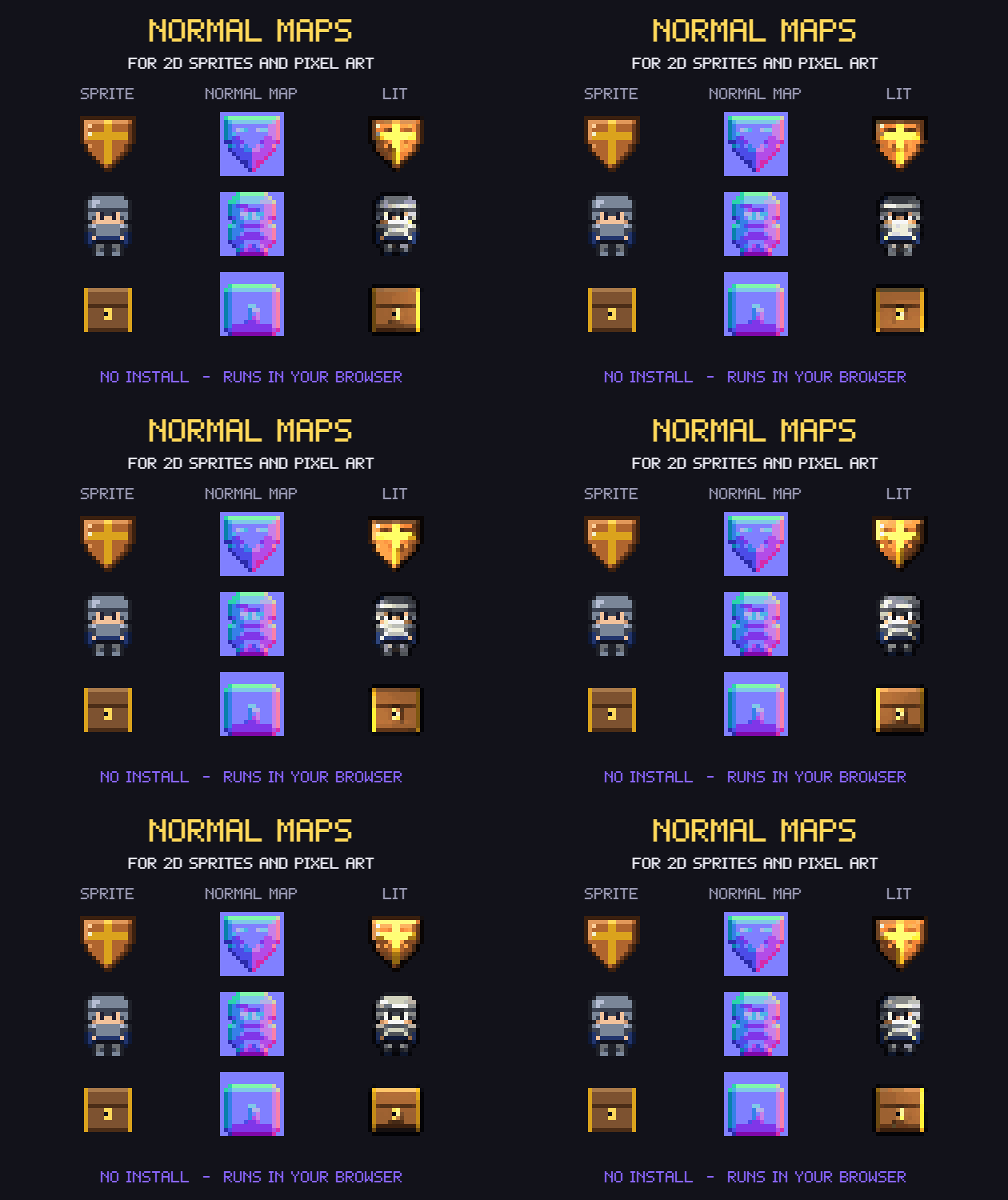
Normal Maps
Normal Map Generator for 2D Sprites & Pixel Art (no install)
Normal, height, specular and AO maps for 2D sprites and pixel art, with a live lighting preview.
$4.99or more
- Status
- Released
- Category
- Tool
- Platforms
- Windows, macOS, Linux
- Author
- Gridwright
- Tags
- 2DEffectsGame engineGodotPixel ArtRoyalty FreeShadersSpritesTexturesUnity
- AI Disclosure
- AI Assisted, Code, Graphics
About this pack
Make normal maps for your 2D sprites in seconds, and see them lit while you work. Normal, height, specular and occlusion maps for sprites, sprite sheets and tiles, made for pixel art. No install: it opens in your browser and works offline.
Licence in one line: use the maps you make in any game, commercial too.
Made for pixel art
- Pixel-art normals: every pixel snaps to 4, 8 or 16 directions and 1 to 4 tilt steps, so the light falls in clean bands instead of a blurry gradient.
- Pixel-perfect lighting preview: one light value per pixel, a light that follows your mouse, optional cel-shaded bands.
- Sprite sheets done right: type your frame size (any size, any number of frames), so no bevel bleeds into the next frame.
- Seamless tiles: edges wrap inside each frame, so the maps tile like the texture.
What you get
- Normal, height, specular and ambient-occlusion maps, from the outline (bevel width, 4 profiles) and the colours (detail).
- Y+ (OpenGL: Unity, Godot) or Y- (DirectX) normal maps.
- Batch: open many files, save every map of every file in one ZIP. Your own file endings (_n, _h, _s, _ao).
- Preview your own hand-painted normal map: name it like the sprite plus _n.
- A lit GIF of your sprite with the light circling it, ready for your devlog.
- Presets: save your settings to a file, load them later, share them with your team. Settings are remembered between visits.
- Help built in, with how to use the maps in Godot 4 and Unity (URP 2D).
Runs everywhere, private
One HTML file: double-click it and it opens in Chrome, Edge, Firefox or Safari on Windows, macOS, Linux or a Chromebook. No install and no account. Your images never leave your computer. Tested in Chrome and Edge on Windows.
Try before you buy
The free demo does everything, but saves images up to 64x64 pixels. The full version saves any size and whole batches.
How it was made
The code was written with the help of an AI coding assistant and tested by us with automated checks (normal directions, both Y conventions, seamless edges, saving). The sample sprites are our own code-drawn pixel art from the Gridwright packs.
Missing something? Leave a comment: the tool gets updates.
Guides for this pack
More tools
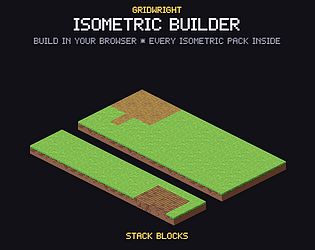
Isometric Builder
$14.99Isometric pixel art map builder: 440 pieces from 7 packs, real heights, night, Godot + Tiled export
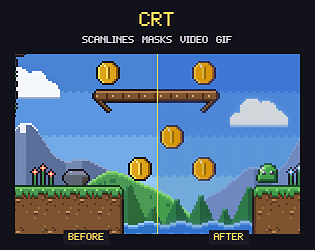
CRT
$4.99Show pixel art on a simulated CRT or handheld LCD. Save PNG, video or GIF at any size. No install.
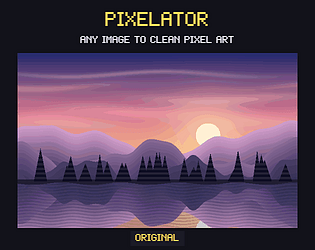
Pixelator
$4.99Turn renders, paintings and photos into clean pixel art: exact grid, palettes, dithering, outlines.