Particle FX Baker
Looping pixel-art effects
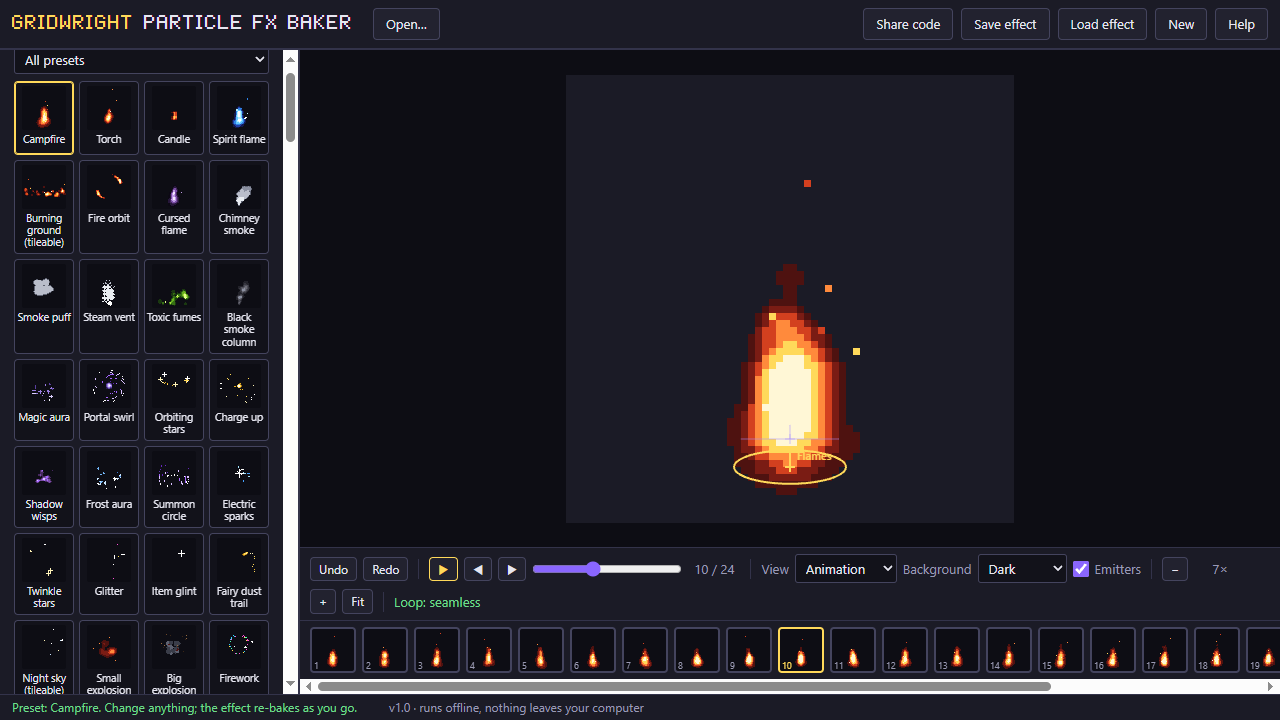
The Particle FX Baker turns a particle system into frames a pixel-art game can use. Start from a preset (fire, smoke, magic, sparkles, explosions, rain, snow, dust, hits, heals, coins), watch it move, and change it with sliders.
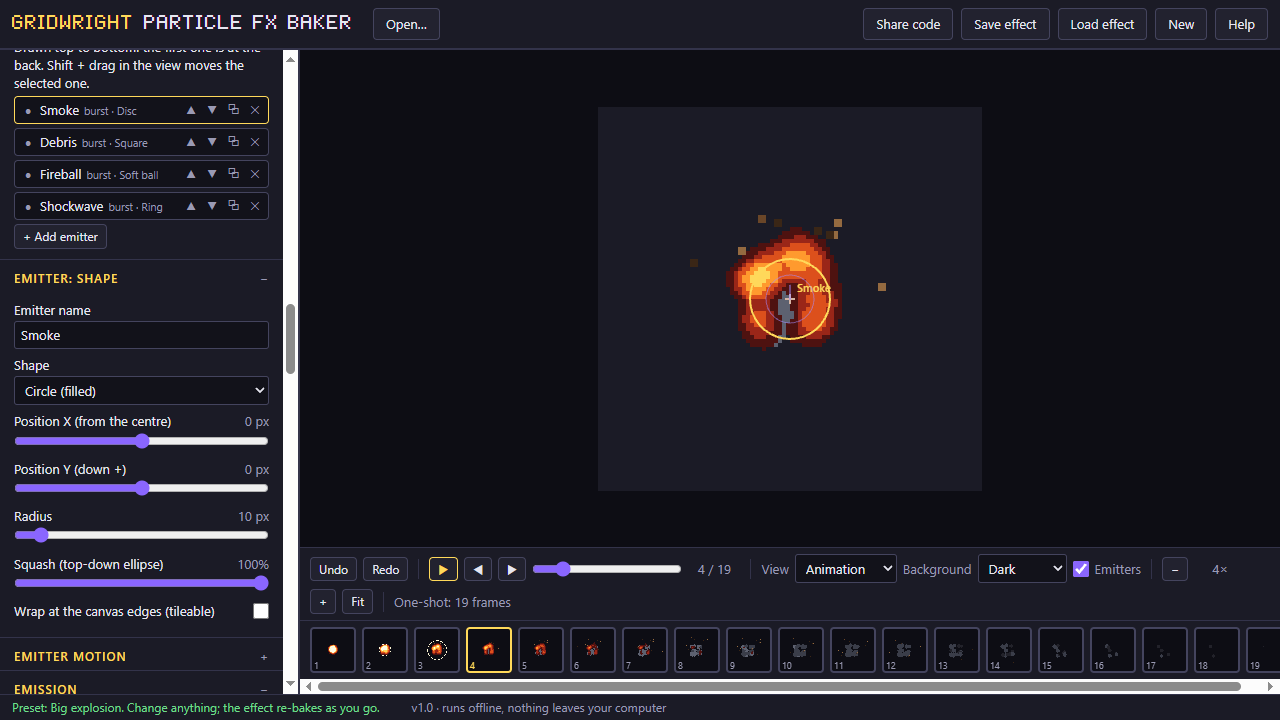
Stack emitters of different shapes, use pixel shapes or your own stamp, and lock the palette so the effect stays in your game's colours. The bake makes the loop seamless: the last frame runs straight into the first.
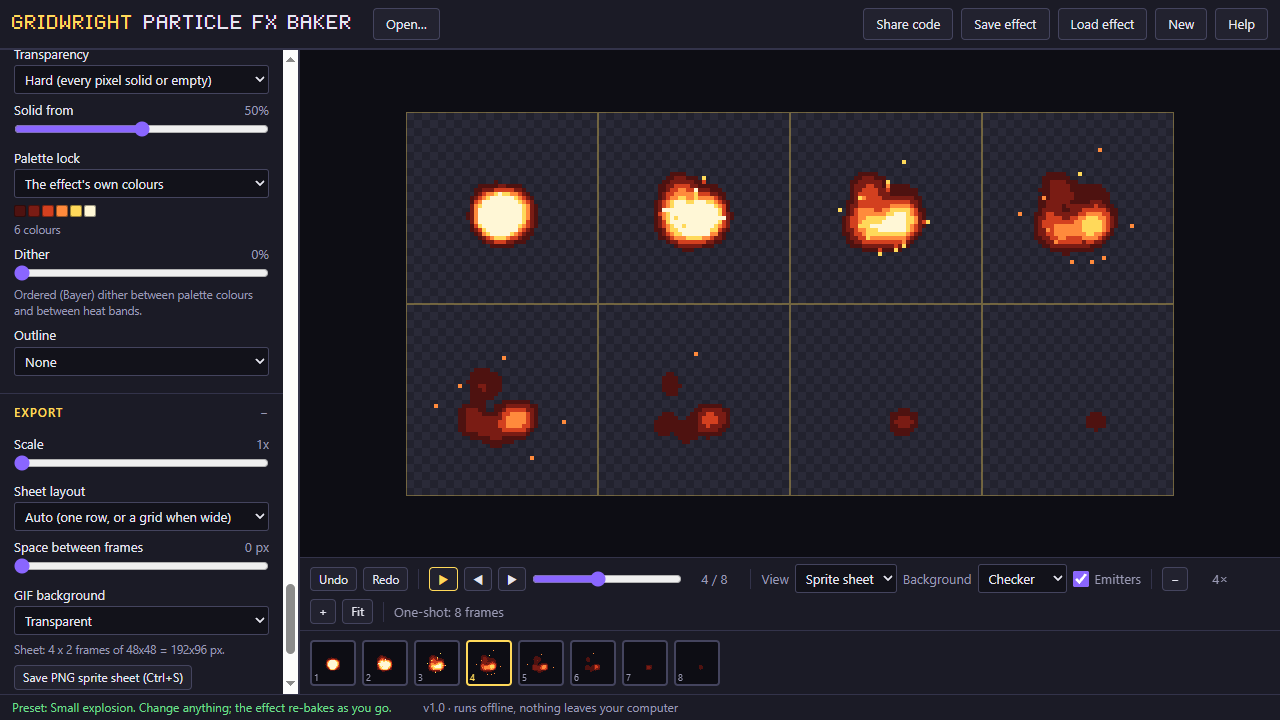
It runs in the browser with no other program behind it, and exports a sheet with a JSON map of the frames that any engine can read.
A first session
- 1Pick a preset close to what you need.
- 2Change the emitters, shapes and colours with the sliders, watching the loop.
- 3Set the canvas size, frame rate and length.
- 4Bake it and save the sprite sheet with its JSON.
- It exports
- PNG sheet + JSON
- ZIP of frames (Pro)
- GIF (Pro)
- Godot SpriteFrames (Pro)
- Free and Pro
- Free: 2 emitters, 15 presets, a canvas up to 64x64, PNG sheet. Pro: unlimited emitters, all presets, a canvas up to 256, our pack palettes, dither, GIF and Godot export, preset files.
- Version 1.0. Runs in Chrome, Edge, Firefox and Safari; nothing to install.
- Can I use what I make in a commercial game?
- Yes. What you make with the tools is yours to use in your games, commercial ones too, under the Gridwright licence.