Players forgive rough art in a horror game far sooner than they forgive silence. Fear is mostly anticipation, and anticipation is mostly sound: the hum that never stops, the creak in the next room, the footstep that is not yours. This guide shows how to build the sound of a horror game in layers, which sounds each layer needs, how loud each should be, and how to keep loops from giving themselves away.
Think in four layers
A horror soundscape works best as a stack. Each layer has one job, and each sits at its own level so the next one can cut through it.
- Bed: an ambience loop that never stops while the player is in a place (a basement hum, wind in an old house, rain on a window).
- Tension: drones and heartbeats you fade in when danger is near and fade out when it passes.
- Detail: one-shots that belong to the world (footsteps, doors, chains, drips, a flickering light).
- Accent: stingers, risers and jumpscare hits, used rarely and always on purpose.
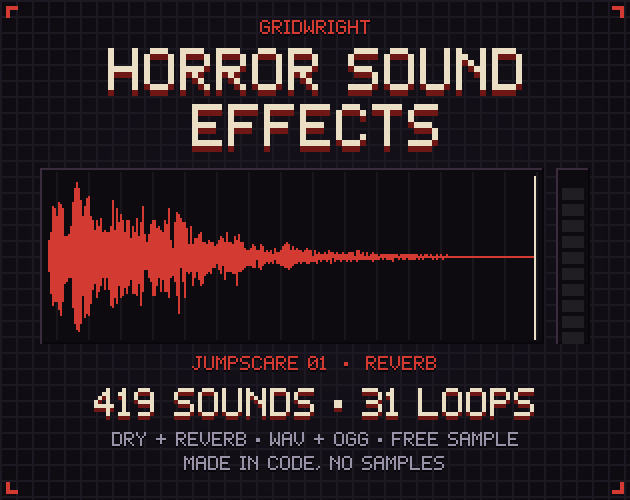
If every layer is equally loud, nothing stands out and the player stops listening. The beds go lowest, the accents highest. In our Horror Sound Effects pack the ambience and drone loops sit at about -20 dB of short-term loudness, heartbeat and static loops at -18, everyday one-shots at -14 and stingers at -12, so you can drop them in at full volume and the mix already has that shape.
The bed: ambience loops that do not repeat out loud
An ambience bed plays for minutes at a time, so its seams and its patterns matter more than any single sound in it. Three things make a loop feel endless:
- Length: 30 to 60 seconds is long enough that most players never notice the repeat.
- No landmark at the seam: a loud creak at second one is heard every time the loop restarts. Spread events across the loop instead.
- A clean seam: the last sample must flow into the first. Loops with loop points stored in the file save you from setting them by hand.
In Godot 4 a WAV that carries a loop chunk imports as a loop by itself (Loop Mode Detect From WAV is the default); for OGG files tick Loop in the import settings. In Unity tick Loop on the Audio Source. Put the bed on its own bus or mixer group so you can duck it when a stinger plays.
Match the bed to the place: a hum and slow drips under a basement, wind and creaking timbers for an old house, crickets and wind in the trees outside, a mains hum and a distant beep for an abandoned hospital. When the player moves between places, crossfade the beds over one or two seconds rather than cutting.
Tension: drones and the body
Drones are long, low tones with slow movement inside them. They say something is wrong without saying what. Fade a drone in over five to ten seconds as a threat approaches; the player feels the change before they can name it.
Heartbeat and breathing loops are the most direct tension tools a horror game has, because players hear them as their own body. Use them as a ladder: a calm heartbeat at 60 bpm while exploring, 90 when something is heard, 130 when it is seen, 170 during a chase. Crossfade between steps instead of switching. Breathing works the same way, from calm to heavy to panic.
Detail: footsteps, doors and the things in the room
Footsteps are the sound players hear most, so they need variety. Use at least four or five versions per surface and pick one at random each step, never the same one twice in a row. A small random pitch change (plus or minus five percent) hides the repeats further.
- Give every floor its own sound: wood, stone, metal grates, gravel and shallow water each tell the player where they are without a single visual.
- A creaking floorboard is a gameplay tool: it can alert an enemy, or warn the player that something else is walking above.
- Doors carry story: a slow creak builds dread, a slam ends it, and a locked handle rattling from the other side is a scare on its own.
Small world sounds sell the space: a light that buzzes and flickers, a chain that sways, a clock ticking in an empty room, a radio tuning through static. Place them in 3D so the player can find them by ear.
Dry or reverb?
A dry sound has no room in it; a reverb version carries its own space. Which one you want depends on your engine setup:
- 3D games with reverb zones or audio volumes: use dry sounds and let the engine add the room, so a footstep sounds different in a corridor and in a hall.
- 2D games, menus, cut-scenes and fast prototypes: use the reverb versions, which have the tail built in and never stop abruptly.
- Mixed: dry for footsteps and hands-on sounds, reverb for distant events and stingers.
Every one-shot in our horror pack comes in both versions with the same file name, so you can switch a whole folder later without renaming anything.
Accent: stingers and jumpscares
A stinger is a short, sharp musical hit that marks a moment: a door opening by itself, a face in the window. A jumpscare hit is louder and lower, with the hit on the very first frame. Three rules keep them working:
- Use them rarely. A scare every minute becomes noise; one every ten minutes stays a scare.
- Silence first. Duck the bed for half a second before the hit; the contrast does half the work.
- Trigger sound and picture on the same frame. A hit that lands a few frames late feels cheap.
Risers build tension over several seconds and work well before a reveal; a riser that ends in a hit is a complete scare in one file. Reversed swells, which grow into the cut, are useful for scene transitions.
Horror UI sounds
Menus in a horror game should not sound cheerful. Low, short tones for selecting, paper rustles for notes and documents, a key that clinks when picked up and a dull rattle when a door is locked keep the player in the mood even in the inventory. A typewriter or similar ritual sound for saving is a genre tradition players recognise at once.
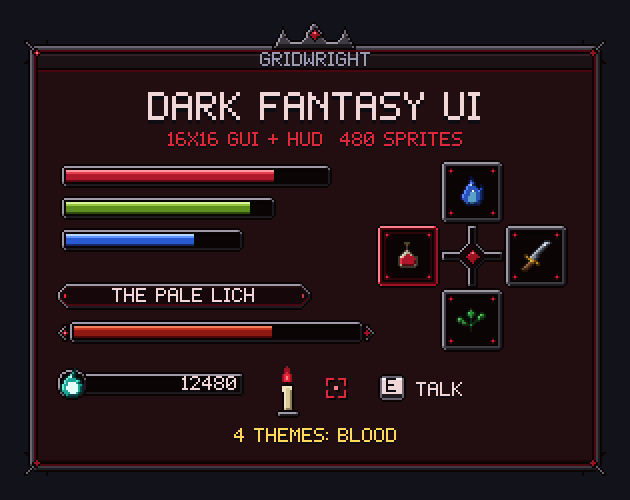
Match the look as well: a gothic interface like our Dark Fantasy UI pairs with low tones and paper, a clean sci-fi HUD with clicks and static.
A quick checklist
- One ambience bed per location, 30 to 60 seconds, seamless.
- Two or three drones and a heartbeat ladder for tension.
- Four or five footsteps per surface, picked at random.
- Doors, chains, lights and small world sounds placed in 3D.
- A handful of stingers and jumpscare hits, used rarely.
- UI sounds that stay in the mood.
- A mix where beds sit lowest and accents highest.
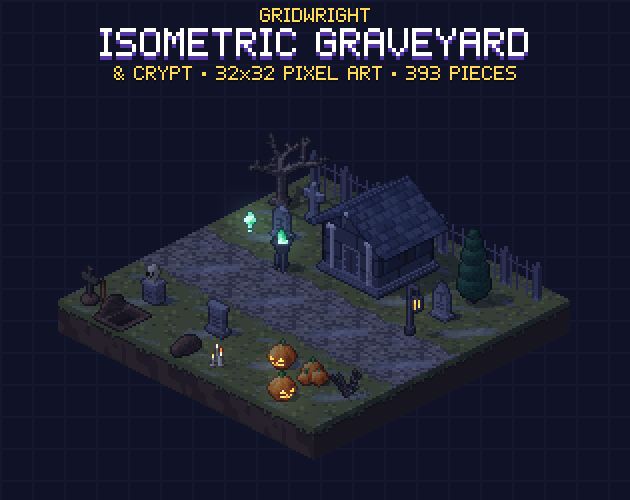
If you are building the world as well as its sound, our Isometric Graveyard & Crypt is a ready-made spooky setting, and Retro Sound Effects covers the rest of a game's sounds in 8-bit and 16-bit. For a low-poly PSX-style level, the Tile Modeler builds models from pixel art tiles.
Gridwright packs can be used in commercial games; you may not resell the files themselves. Packs released from October 28, 2026 ask for a credit: “Art by Gridwright” with a link (each pack’s LICENSE.txt says which applies). More in can I use game assets in a commercial game.