Tile Modeler
Low-poly 3D models and levels from 2D tiles
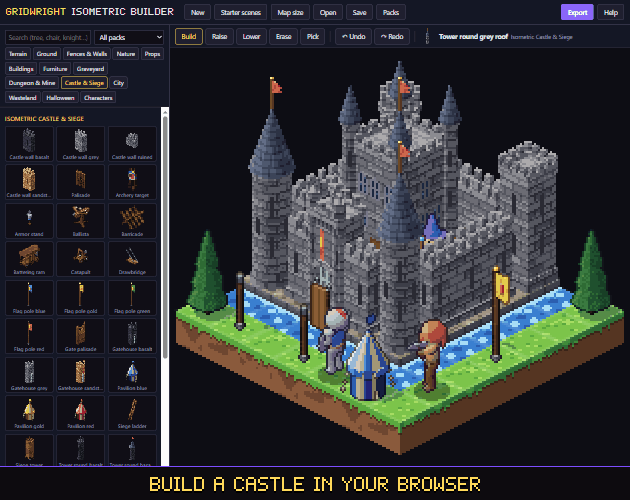
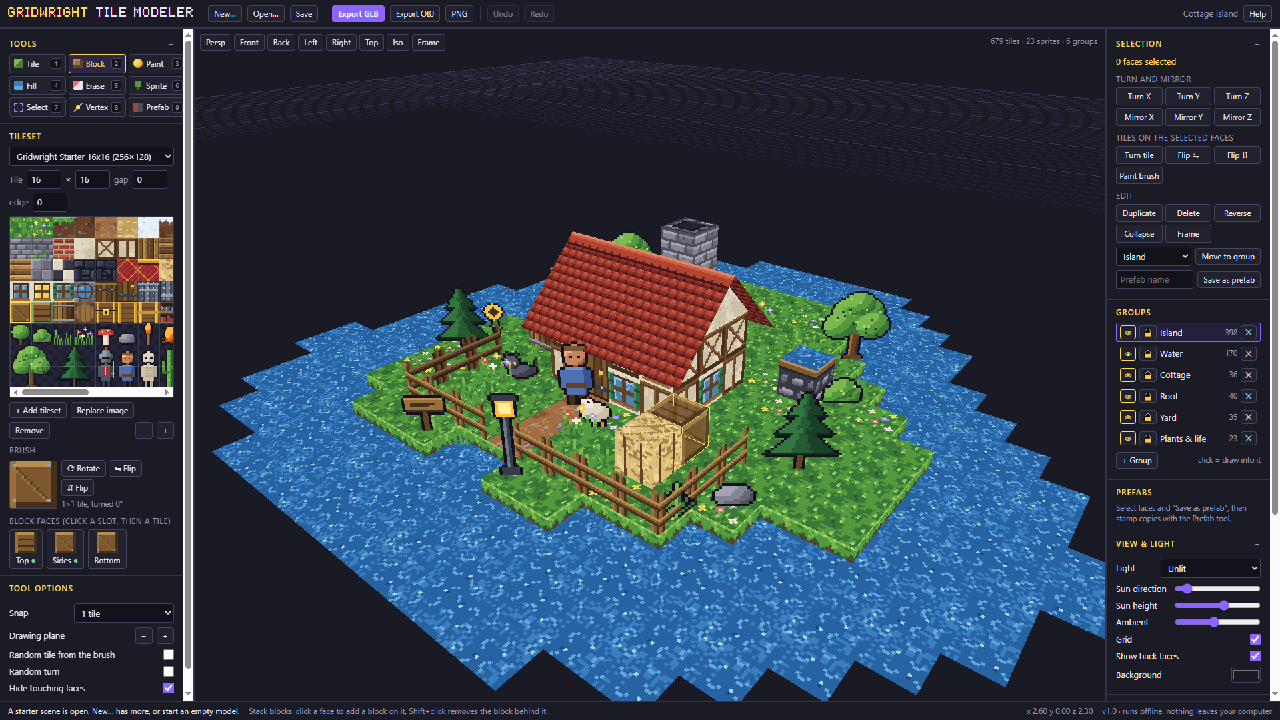
The Tile Modeler turns 2D pixel-art tiles into low-poly 3D models and levels. It works like a tilemap editor in three dimensions: draw tiles on any plane, stack blocks, bend corners into slopes and roofs, and add sprites that turn to the camera for trees and characters.
It is the quickest way to give a 2D game a 3D look, build a PSX-style level, or make props for a 3D game from a tileset you already have. Several tilesets can go into one model, and the pixels stay crisp.
Models export as GLB, glTF or OBJ for Godot, Unity, Unreal or Blender, and a PNG render is one click.
A first session
- 1Open the starter tileset or drop in your own PNG and set its tile size.
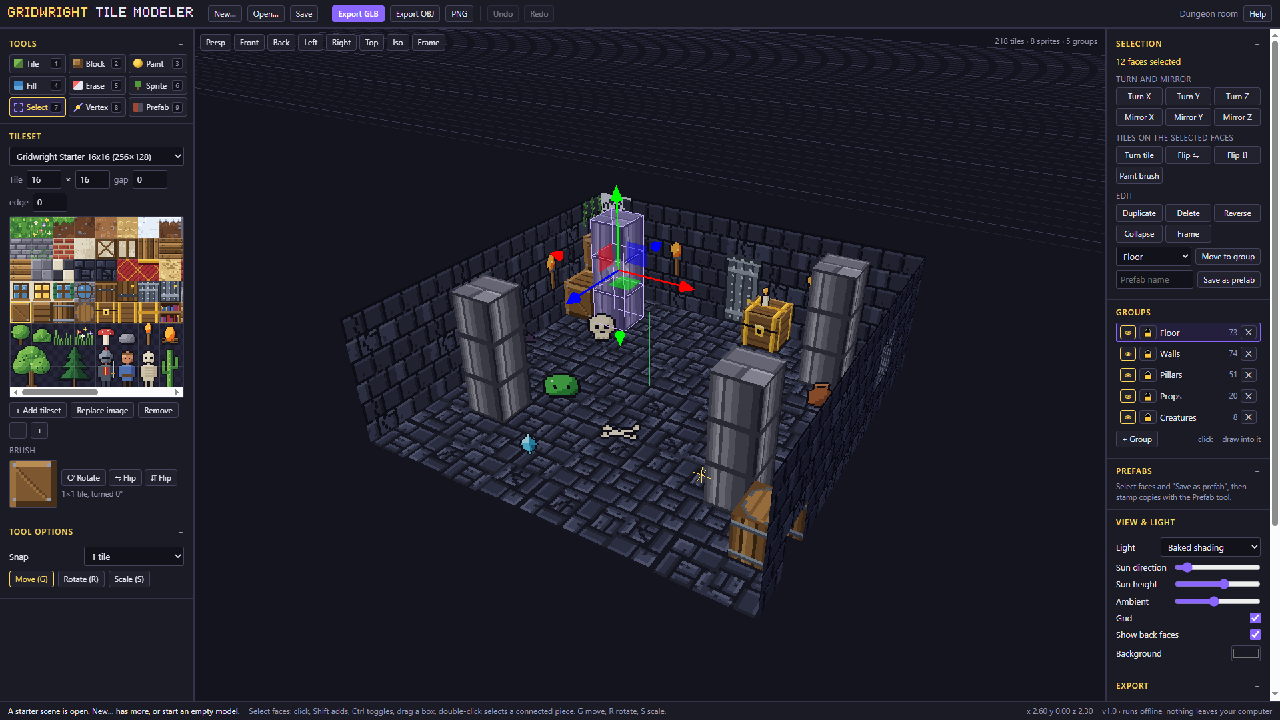
- 2Hover a face and draw tiles onto it; stack blocks to build walls and floors.
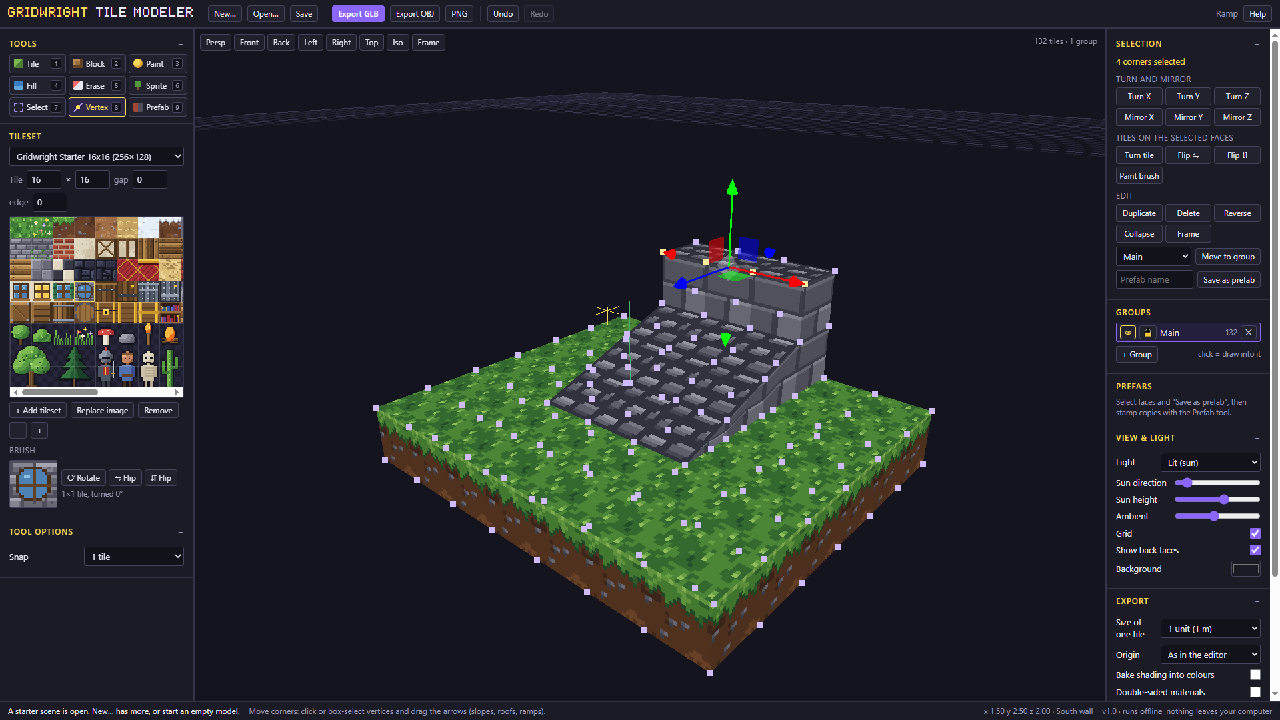
- 3Drag vertices to make slopes and roofs; add billboard sprites for trees.
- 4Export GLB, glTF or OBJ and drop the model into your engine.
- It exports
- GLB / glTF
- OBJ
- PNG render
- Free and Pro
- Free: save and export up to 200 tiles. Pro: no limit.
- Version 1.0. Runs in Chrome, Edge, Firefox and Safari; nothing to install.
- Can I use what I make in a commercial game?
- Yes. What you make with the tools is yours to use in your games, commercial ones too, under the Gridwright licence.