Autotile Builder
Complete autotile sets from a small template
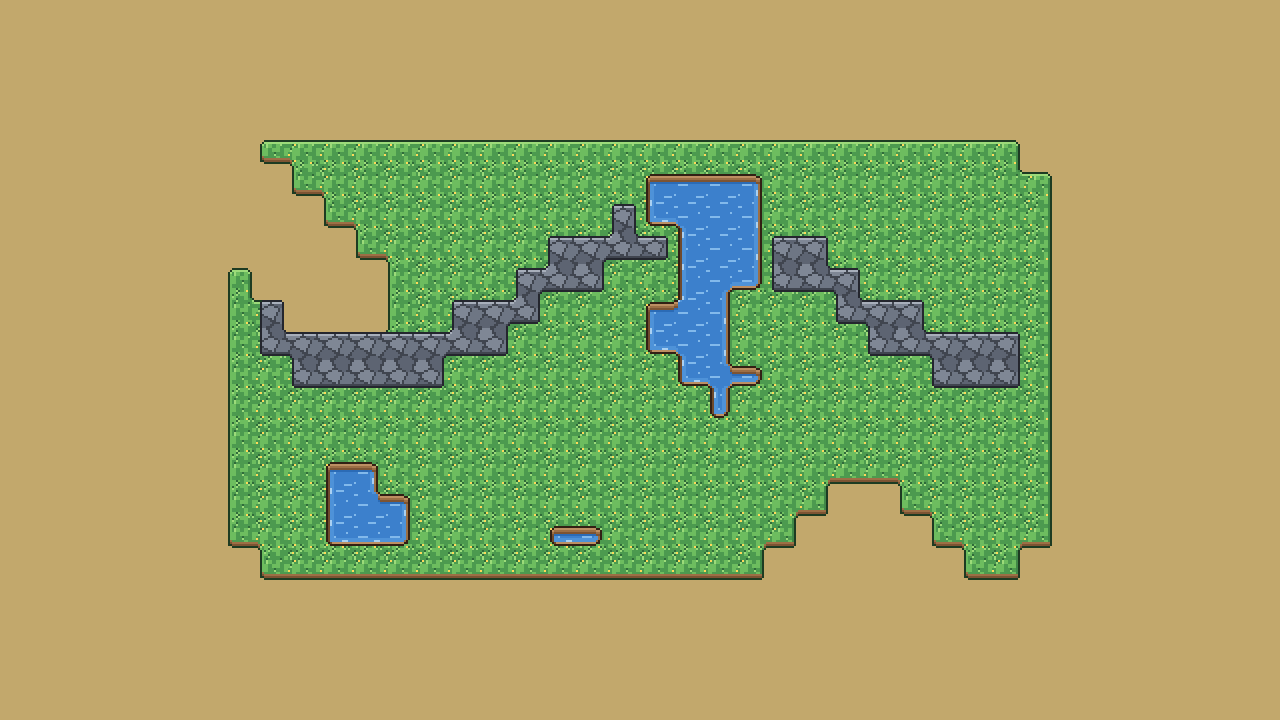
Drawing every autotile by hand is the slow part of a tileset. The Autotile Builder takes a small template, a plain 3x3 island is enough, and builds the whole set: 47 tiles for blob autotiling, or 16 for sides and corners.
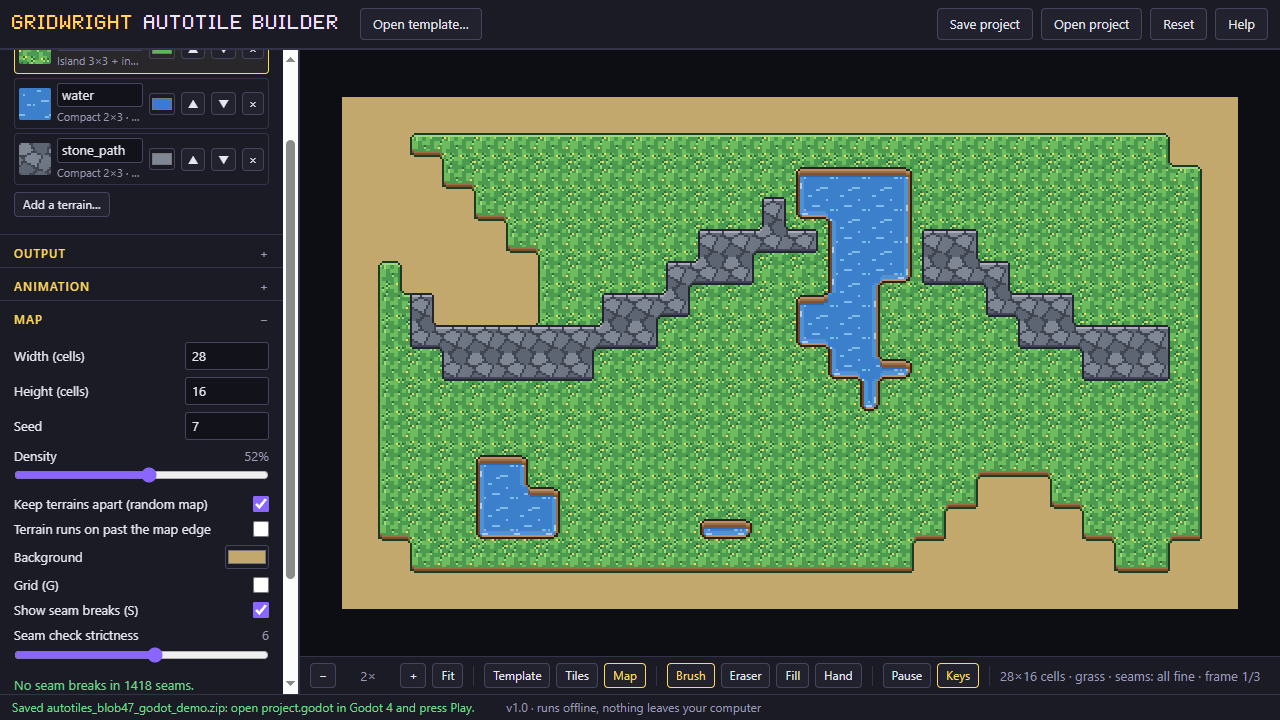
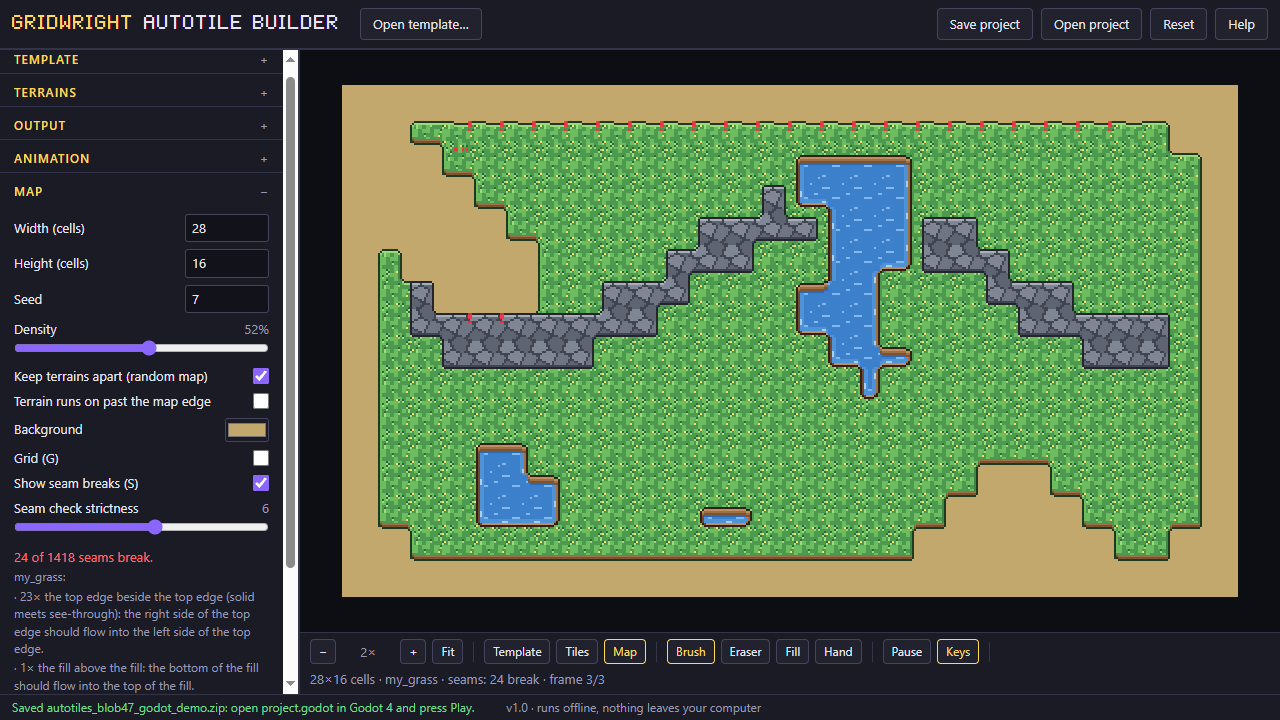
A seam check paints a random map from your tiles and names the piece to fix when two tiles don't meet. The result shows at once on a map you can paint.
The full edition writes the engine files: a Godot 4 TileSet with terrain peering bits, a Tiled wang set with animations, and RPG Maker-compatible A1 and A2 sheets, and it can animate a terrain over 2 or 3 frames, as for water.
A first session
- 1Load a 3x3 island or a 2x3 template, or start from a sample.
- 2Check the full set and the seam check on a random map.
- 3Add frames for animation or more terrains in the full edition.
- 4Save the atlas with its JSON, or the file for your engine.
- It exports
- PNG + JSON
- Godot 4 TileSet (.tres)
- Tiled wang set (.tsx)
- RPG Maker-compatible A1/A2 sheets
- Free and Pro
- Free: one terrain, the blob47 atlas as PNG and JSON. Pro: sides16 and corners16, Godot and Tiled files, RPG Maker-compatible sheets, 2-3 frame animation, several terrains in one atlas.
- Version 1.0. Runs in Chrome, Edge, Firefox and Safari; nothing to install.
- Can I use what I make in a commercial game?
- Yes. What you make with the tools is yours to use in your games, commercial ones too, under the Gridwright licence.