Pixelator
Pixel art from any picture
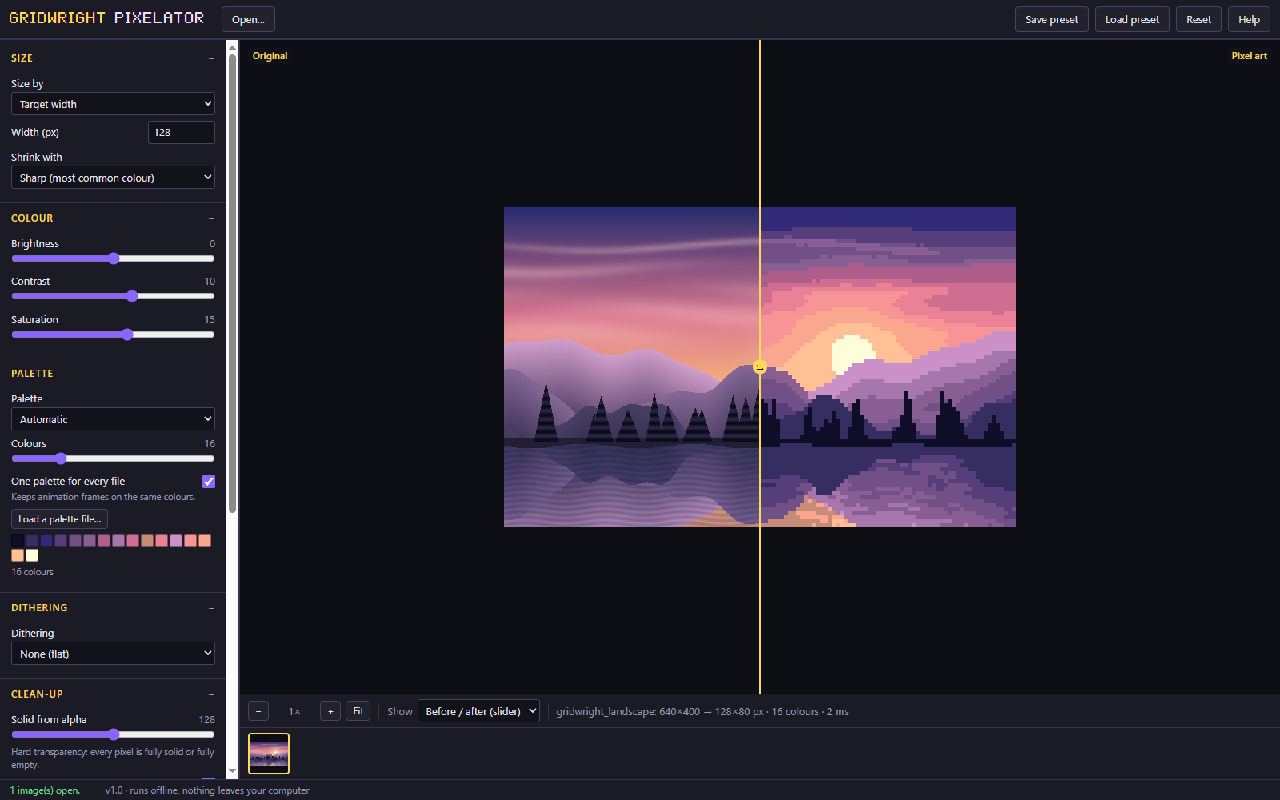
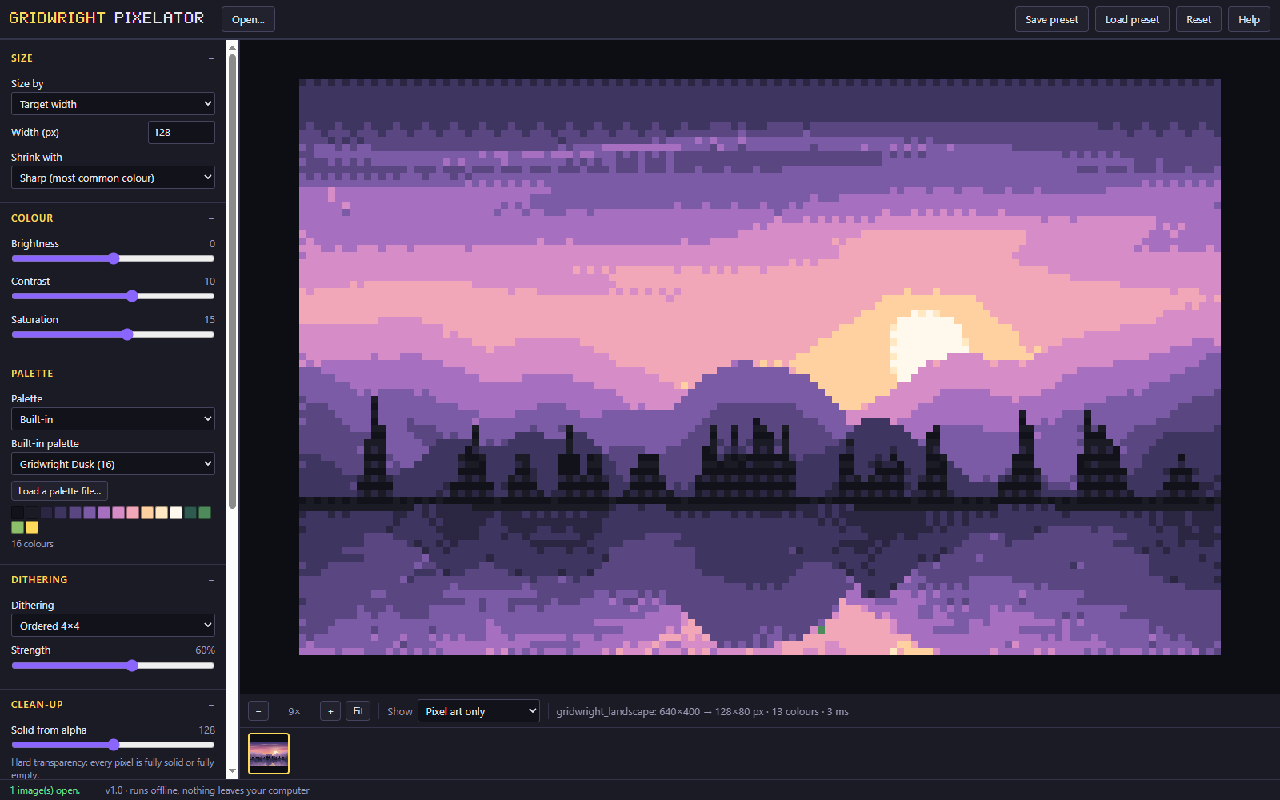
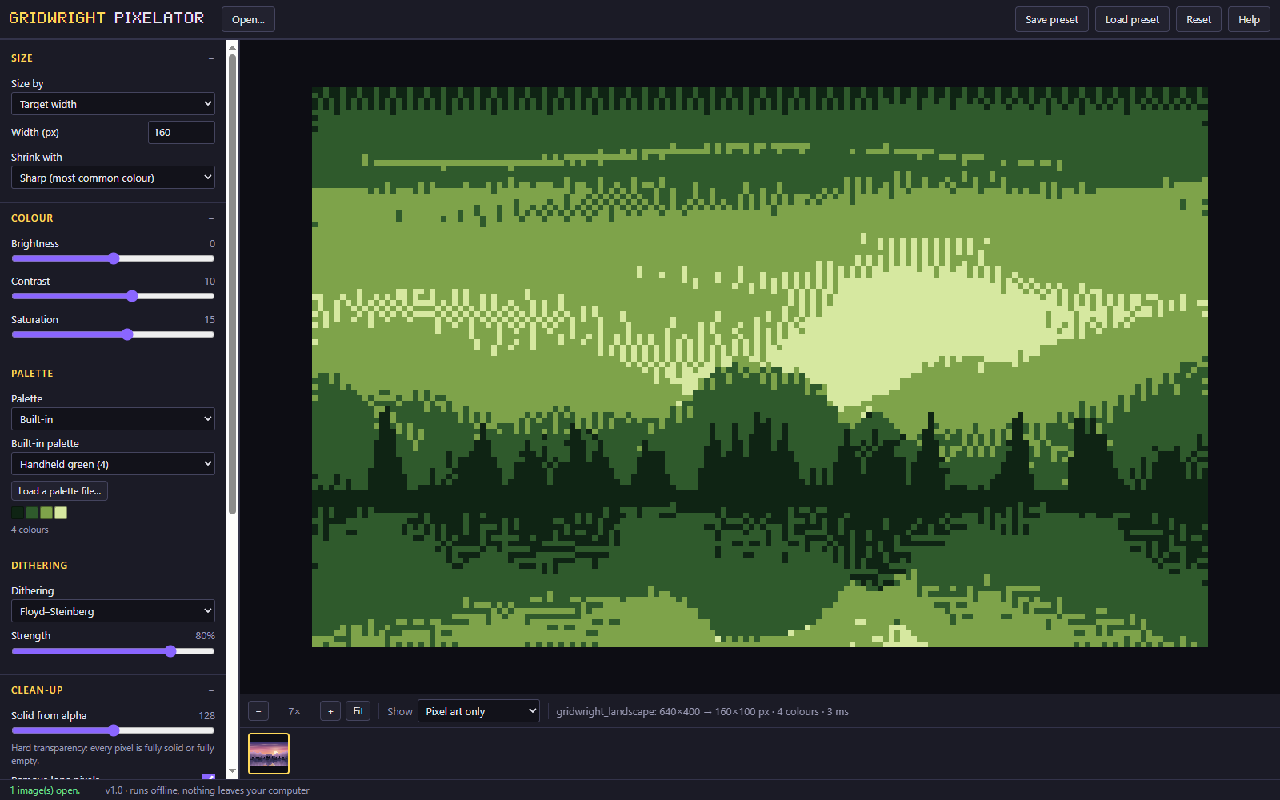
The Pixelator turns renders, paintings, photos and 3D screenshots into clean pixel art on an exact grid. It picks a limited palette (or uses yours), adds dithering if you want it, removes half-transparent pixels and draws outlines.
Open all frames of an animation together and they share one palette, so colours never flicker between frames. Save PNGs at any scale, a sprite sheet with a JSON map, a GIF, or the palette for Aseprite and other editors.
A first session
- 1Open an image, a GIF or several frames.
- 2Set the pixel size and pick a palette or let it choose one.
- 3Add dithering and outlines, then compare before and after.
- 4Save PNG, a sprite sheet, a GIF or the palette.
- It exports
- PNG 1x-8x
- Sprite sheet + JSON
- GIF
- Palette (.hex, .gpl)
- Free and Pro
- Free: everything, saves up to 64x64 px. Pro: any size.
- Version 1.0. Runs in Chrome, Edge, Firefox and Safari; nothing to install.
- Can I use what I make in a commercial game?
- Yes. What you make with the tools is yours to use in your games, commercial ones too, under the Gridwright licence.