Color Palette Extractor
The palette of any picture, with pixel counts
The Color Palette Extractor lets you extract a color palette from an image: drop a sprite, a sheet, a tileset or a screenshot and it lists every colour in it, with how many pixels use each one and its share of the picture. Pixel art keeps its exact colours, down to the last pixel, so you get the palette the art was really drawn with. Drop several pictures at once for one palette from all of them.
A painting, a photo or busy art has thousands of colours, and Reduce finds the 2 to 64 that stand for it best. It works in OKLab, the colour space that matches how the eye sees difference, and gives the same palette every time for the same picture. Merge near colours that only differ by a shade, leave out the half-clear pixels of soft edges, sort by use, by hue or dark to light, lock the colours you want to keep and remove the ones you don't.
Click a colour to copy its hex and see where it is used in the picture, or click the picture to find a colour in the palette, and show the picture redrawn in the palette's colours. Save the palette as .hex for Lospec and Aseprite, .gpl for GIMP, Aseprite and Krita, JASC .pal, a PNG strip, 8x swatches, a JSON with each colour's pixel count and a Godot 4 Gradient. It runs on your computer and never uploads your picture.
A first session
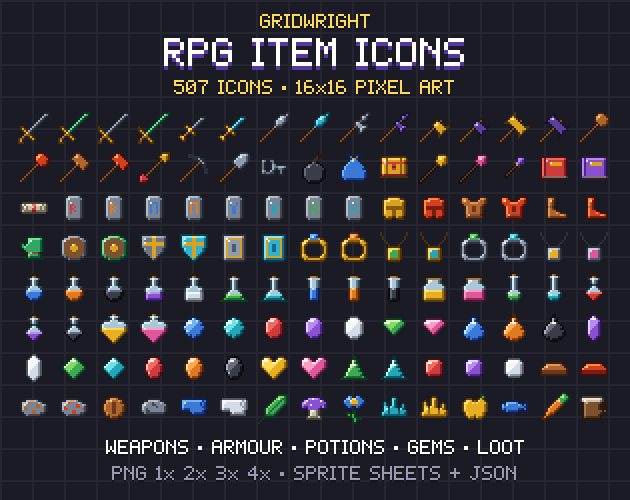
- 1Drop a picture, or several (or try ours, every icon in RPG Item Icons).
- 2Keep Exact for pixel art, or pick Reduce and the number of colours for a painting or photo.
- 3Merge near colours, sort the palette, and click colours to see where they are used; lock or remove them.
- 4Download the .hex, .gpl, .pal, PNG, JSON and Godot gradient in one ZIP.
- It exports
- .hex palette (Lospec, Aseprite)
- .gpl (GIMP, Aseprite, Krita) and JASC .pal
- PNG strip at 1x and swatches at 8x
- JSON with every colour's pixel count
- Godot 4 Gradient (.tres)
- Try the demo, then buy it
- Make a free account to try the demo on our example. Your own files and every download come with the tool, bought once.
- Can I use what I make in a commercial game?
- Yes. What you make with the tools is yours to use in your games, commercial ones too, under the Gridwright licence.