
Palette Swapper
New colours for any sprite or sheet
The Palette Swapper does a pixel art palette swap online. Drop in a sprite or a whole sheet and it lists every colour, darkest first, with before and after side by side. Change one colour by hand, turn the hue, saturation or lightness of all of them, or fit a palette: load a .hex, .gpl or .pal file or pick one of ours. Lock the colours that should stay, such as skin.
Fit a palette two ways. Keep the shading lays the sprite's dark-to-light order over the palette's, which is how you recolor a sprite for a new team or a new enemy. Closest colour takes the nearest-looking colour for each, which is how you bring a sprite into a game's fixed palette.
Transparency stays exactly as it was, so a sheet's frames line up as before. Keep each recolour and download them together: every PNG, its palette and a JSON map of which colour became which. It is free for everyone and never uploads your image, so it works for unreleased game art too.
Your picture stays on your computer: nothing is uploaded. A palette you miss, or a tool you want next? Tell us in our Discord.
A first session
- 1Drop a sprite or a sheet on the box (or try our sample).
- 2Pick a palette and how to fit it, or move the hue, saturation and lightness sliders.
- 3Lock the colours that should stay, such as skin, and fix single colours by hand. Press Keep this one and make the next team colour.
- 4Download the PNGs with their palettes and the colour map.
- It exports
- Recoloured PNGs (zip)
- .hex and .gpl palettes
- JSON colour map
- Free and Pro
- Free for everyone, no account needed.
- Can I use what I make in a commercial game?
- Yes. What you make with the tools is yours to use in your games, commercial ones too, under the Gridwright licence.
Packs that work with it
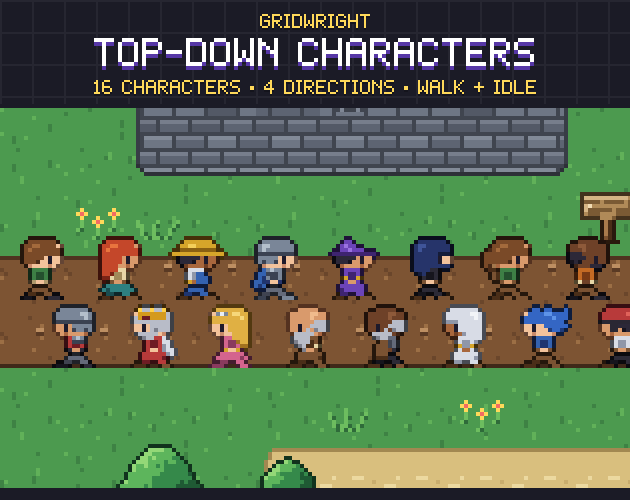
Top-Down Characters
1.8 MBCharacters & creatures · 16 characters, 4 directions
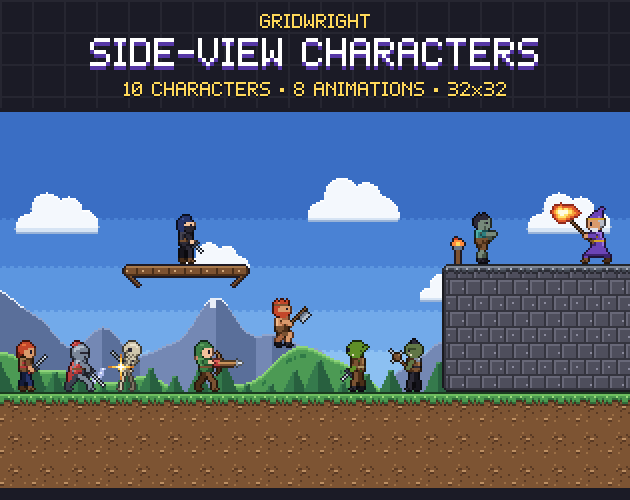
Side-View Characters
4.3 MBCharacters & creatures · 10 characters, animated
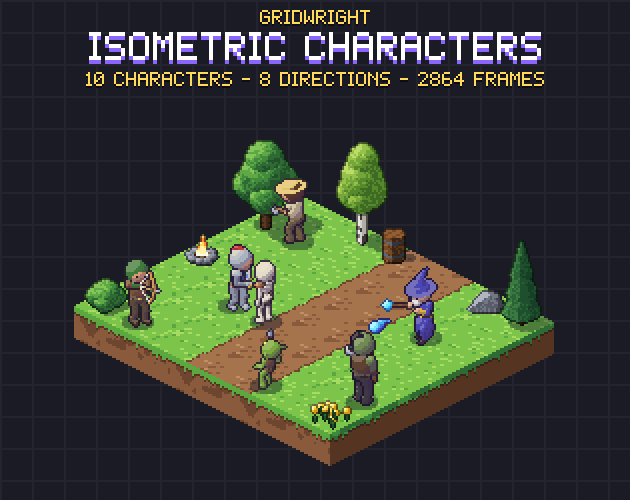
Isometric Characters
20 MBCharacters & creatures · 64x64, 2864 Frames
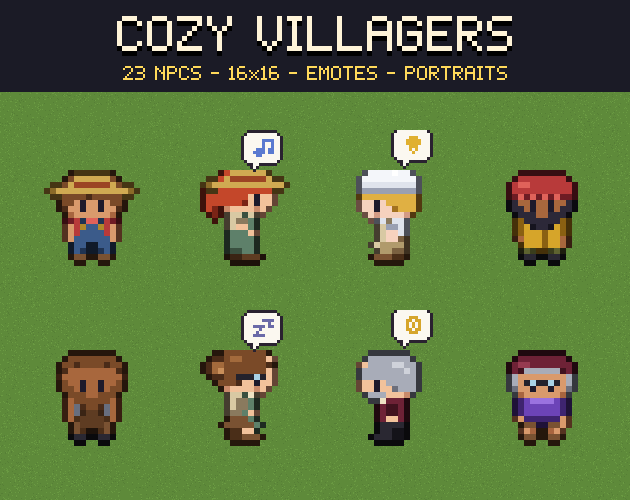 Studio first
Cozy Villagers
0.9 MBCharacters & creatures
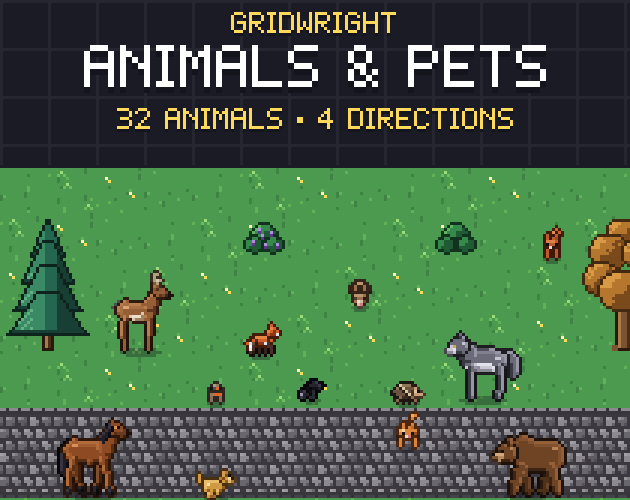
Animals & Pets
8.1 MBCharacters & creatures · 32 animals, 4 directions