
Pixel Art Size Calculator
The right sprite, tile and canvas sizes
Game resolution (the art's own pixels)
Tile size
- On screen
- 20 x 11.25
- tiles of 16 px, the last one cut
- On 1080p
- 6x
- fills it, no black bars
- Character
- 16 x 16-24
- px, one tile wide, the head can stand over the tile above
| Screen | Scale | Game | Black bars |
|---|---|---|---|
| 720p | 4x | 1280 x 720 | none |
| 1080p | 6x | 1920 x 1080 | none |
| 1440p | 8x | 2560 x 1440 | none |
| 4K | 12x | 3840 x 2160 | none |
| Laptop 1366 x 768 | 4x | 1280 x 720 | 43 px each side, 24 px top and bottom |
| Steam Deck | 4x | 1280 x 720 | 40 px top and bottom |
No black bars on 720p, 1080p, 1440p and 4K at once: , , , . Every other size leaves a bar on at least one of them.
Godot 4 settings for this size
; Gridwright Pixel Art Size Calculator: a 320 x 180 game in a 1280 x 720 window (4x).
; Paste at the end of project.godot (Godot 4.2 or later), or set the same in Project > Project Settings.

[display]

window/size/viewport_width=320
window/size/viewport_height=180
window/size/window_width_override=1280
window/size/window_height_override=720
window/stretch/mode="viewport"
window/stretch/aspect="keep"
window/stretch/scale_mode="integer"

[rendering]

textures/canvas_textures/default_texture_filter=0
2d/snap/snap_2d_transforms_to_pixel=true
2d/snap/snap_2d_vertices_to_pixel=true
Draw at 1x and let the engine scale by whole numbers. Art saved at the wrong size? The Pixel Art Upscaler scales it without blur. A size you miss? Tell us in our Discord.
The Pixel Art Size Calculator answers the question every new pixel art game starts with: what size should my sprites, tiles and canvas be? Pick a game resolution such as 320 x 180 or 640 x 360 and a tile size from 8 to 48 pixels, and it shows how many tiles fit on screen, how tall a character should be, and how big one art pixel is on a 720p, 1080p, 1440p or 4K screen.
It scales by whole numbers only, which is how pixel art stays crisp, so it also shows the black bars each screen leaves and which resolutions fill all four common screens with none. Starting from a screen instead? Say how many tiles across you want to see, and it lists the sizes that divide the screen exactly.
A live preview draws a meadow from our own 16 x 16 tiles at your sizes, on the whole screen and at real size. The settings come out as lines for Godot's project.godot and values for Unity's Pixel Perfect Camera. Try it on the page with no account.
A first session
- 1Pick a game resolution, or start from a screen and the number of tiles you want to see.
- 2Pick a tile size and whether the game is top-down or side view.
- 3Check the tiles on screen, the scale and black bars, and the preview.
- 4Download the sizes, or copy the Godot settings into project.godot.
- It exports
- Size sheet (.txt)
- Godot 4 project.godot lines
- Unity Pixels Per Unit and Pixel Perfect Camera values
- Try it, then buy it
- Try it free on this page. Downloading what you make comes with the tool, bought once.
- Can I use what I make in a commercial game?
- Yes. What you make with the tools is yours to use in your games, commercial ones too, under the Gridwright licence.
Packs that work with it

Top-Down Tileset
$9.99Tilesets & worlds · 1113 tiles
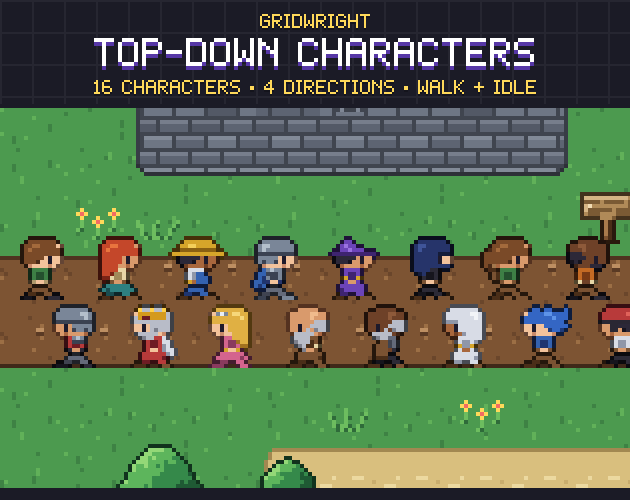
Top-Down Characters
$9.99Characters & creatures · 16 characters, 4 directions
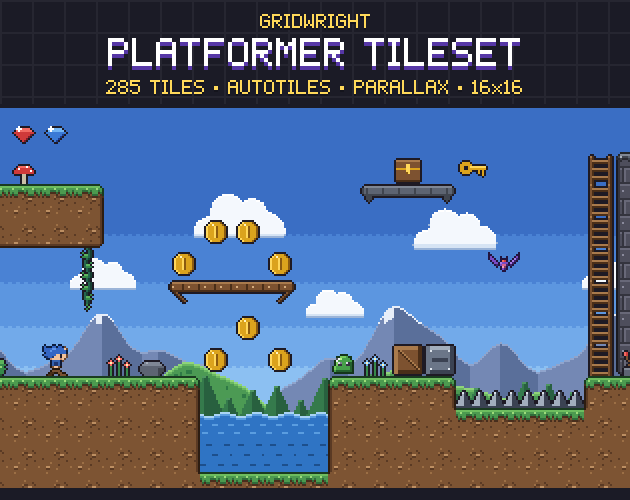
Platformer Tileset
$9.99Tilesets & worlds · 285 pieces
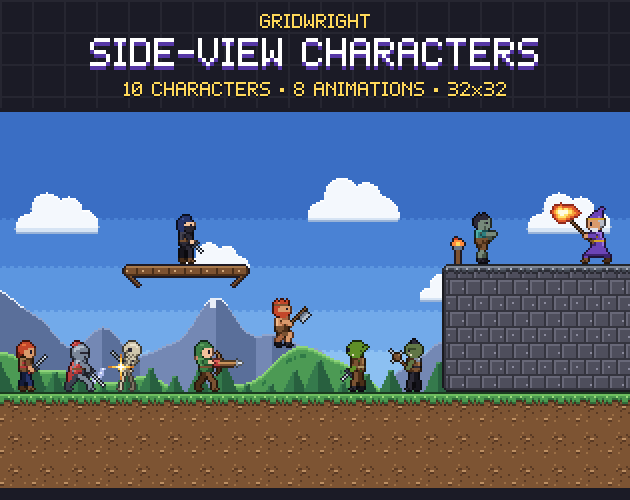
Side-View Characters
$9.99Characters & creatures · 10 characters, animated
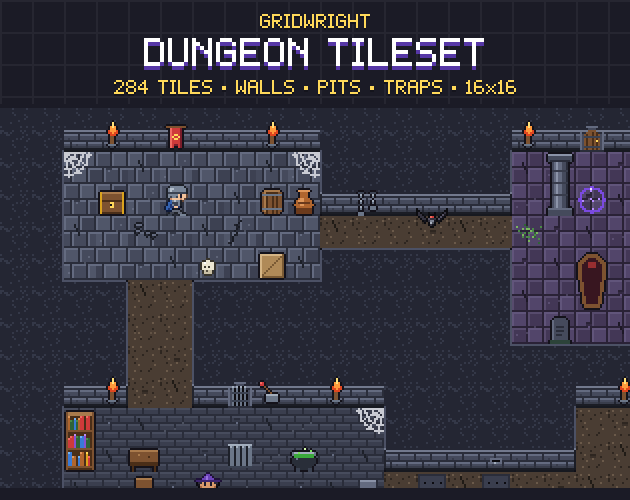
Dungeon Tileset
$9.99Tilesets & worlds · 284 tiles