
Sprite Sheet Maker
One sprite sheet from many frames
The Sprite Sheet Maker combines images into a sprite sheet online. Drop in your frames, as many as you like, and it orders them by name the way you numbered them (walk_2 before walk_10). Lay them out in a grid, with the frames per row you choose and smaller frames standing on the bottom of their cell, or pack them tight to save space, with transparent borders trimmed.
It writes the sheet as a PNG with a JSON atlas in TexturePacker's JSON Hash form, which Phaser and PixiJS load as it is, and a Godot 4 SpriteFrames file for an AnimatedSprite2D. Frames named walk_01, walk_02 and idle_01 become the animations walk and idle in both files. A trimmed frame keeps its original size and position in the engine.
Padding, a margin and power-of-two sizes are one click each, and the animation preview plays any group at the speed you set. It is free for everyone and never uploads your images, so it works for unreleased game art too.
A first session
- 1Drop your frames on the box (or try our walking adventurer).
- 2Pick Grid or Packed tight, and set frames per row, padding and margin.
- 3Check the order and the animation preview; move or remove frames.
- 4Download the PNG with its JSON atlas and Godot SpriteFrames.
- It exports
- PNG sprite sheet
- JSON atlas (TexturePacker JSON Hash: Phaser, PixiJS)
- Godot 4 SpriteFrames
- Animations from file names
- Free and Pro
- Free for everyone, no account needed.
- Can I use what I make in a commercial game?
- Yes. What you make with the tools is yours to use in your games, commercial ones too, under the Gridwright licence.
Packs that work with it
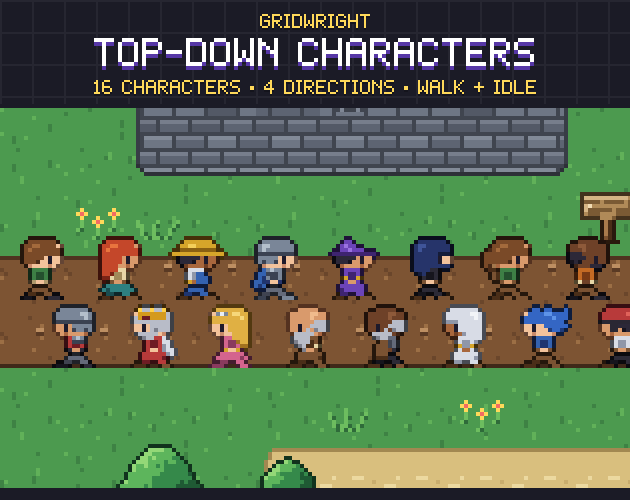
Top-Down Characters
1.8 MBCharacters & creatures · 16 characters, 4 directions
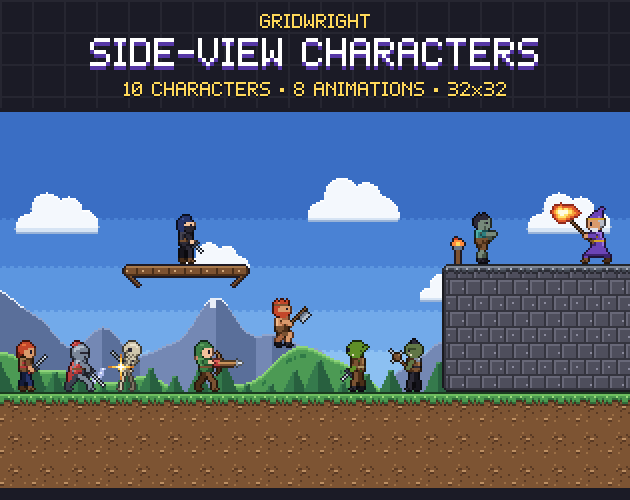
Side-View Characters
4.3 MBCharacters & creatures · 10 characters, animated
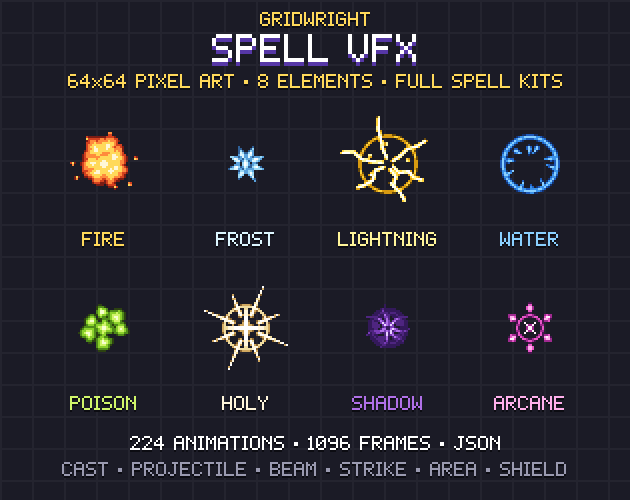
Spell VFX
7.8 MBEffects · 224 animations
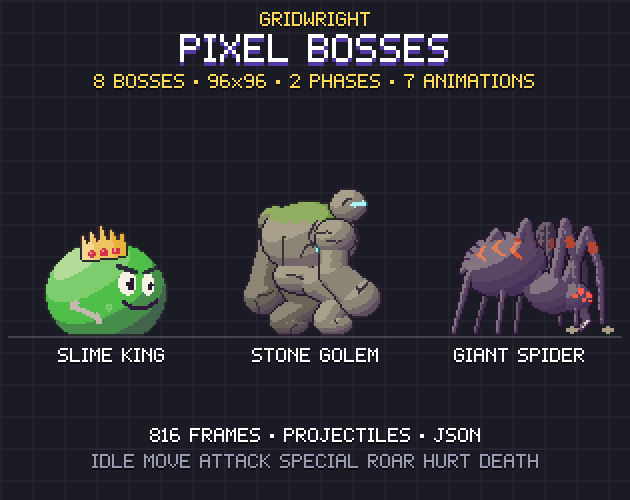
Pixel Bosses
28 MBCharacters & creatures · 2 Phases, 816 Frames
 Studio first
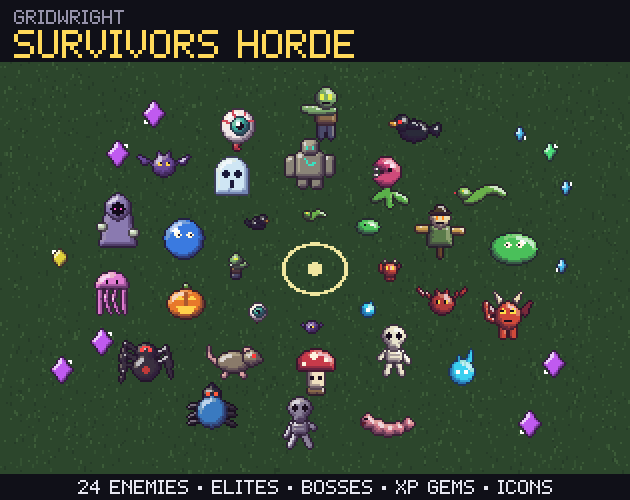
Survivors Horde
3.7 MBCharacters & creatures