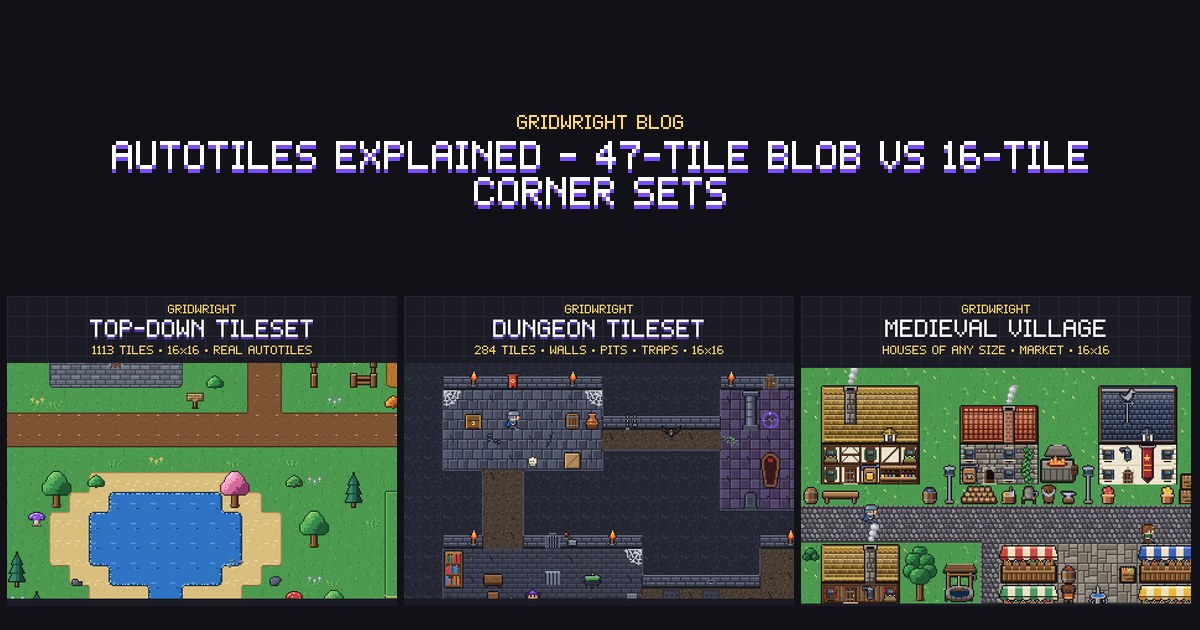
An autotile is a set of tiles that picks itself. You paint grass here, and the editor or the game chooses the right edge, corner or inner corner for every cell, so the shape looks drawn by hand. Without one, a single pond takes dozens of hand-placed tiles, and moving its shore means placing them all again. The sets come in different sizes and the names are confusing: blob, wang, terrain, bitmask, corner set. This guide explains the two sizes you will meet most often, how to work out the right tile by hand, and which one to choose.
The problem autotiles solve
Look at one tile in a map. What it should show depends only on what is around it. A grass tile in the middle of a meadow is plain grass. With dirt to the north it needs a top edge. With dirt to the north and east it needs a rounded corner. With grass on all four sides but dirt at one diagonal, it needs a small inner corner. So the job comes down to a lookup: read the surroundings, turn them into a number, and use the number to find the tile.
The two common sets differ in what they read. A blob set reads the 8 cells around a tile. A corner set reads the 4 corners of the tile itself. That one choice decides how many tiles you need, how you paint and which shapes you can make.
The 47-tile blob set
Give each of the 8 neighbours a value. The layout our packs use goes clockwise from the north:
- N = 1, NE = 2, E = 4, SE = 8, S = 16, SW = 32, W = 64, NW = 128.
- Add up the neighbours that are the same terrain. That gives a number from 0 to 255.
- One rule on top: a diagonal only counts when both neighbours next to it are set. NE counts only if N and E are both there.
Eight yes-or-no questions make 256 combinations, which would mean 256 tiles. The diagonal rule removes the ones that would look the same. If there is no terrain to the north, the tile already has an edge along its top, and the north-east cell cannot change anything about it. After that rule, only 47 different tiles are left.
A worked example. A tile has the same terrain to the north, the north-east and the east, and nothing else. That is 1 + 2 + 4 = 7, and in Gridwright Top-Down Tileset it is the file grass_blob_007.png. Now take away the east neighbour. North-east no longer counts either, so the number drops from 7 to 1.
The 16-tile corner set
A corner set asks a simpler question: which of this tile's four corners are covered? With NE = 1, SE = 2, SW = 4 and NW = 8, the number runs from 0 to 15. 0 is empty, so 15 pieces are drawn, and 15 is the full tile. Four yes-or-no questions give 16 combinations and none of them repeats, so there is no extra rule.
The catch is how you paint. You are no longer painting cells, you are painting the points where four cells meet. Mark one point and all four tiles around it change, which gives a small round patch. That is why corner sets have a soft, rounded look, and why a line of marked points gives a path that runs between two rows of cells rather than along one. The tilled soil in Isometric Farm works this way, and our isometric farm guide shows the same counting on a diamond grid.
What each set gives you
- 47-tile blob: what you paint is what you get. A cell is on or off, so a one-tile-wide path stays on its row.
- 47-tile blob: every join, crossing and inner corner has its own tile, so straight walls and hard edges look right.
- 47-tile blob: more to draw. It is 47 tiles per terrain, multiplied again by every animation frame.
- 16-tile corner set: 15 pieces per terrain, about a third of the drawing, and each extra terrain or frame costs far less.
- 16-tile corner set: shapes round off by themselves, which suits grass, sand, snow and soil.
- 16-tile corner set: no tile belongs to one cell alone, because every mark is shared with the neighbours. That makes tight, cell-exact shapes harder.
The other 16: side sets for fences and walls
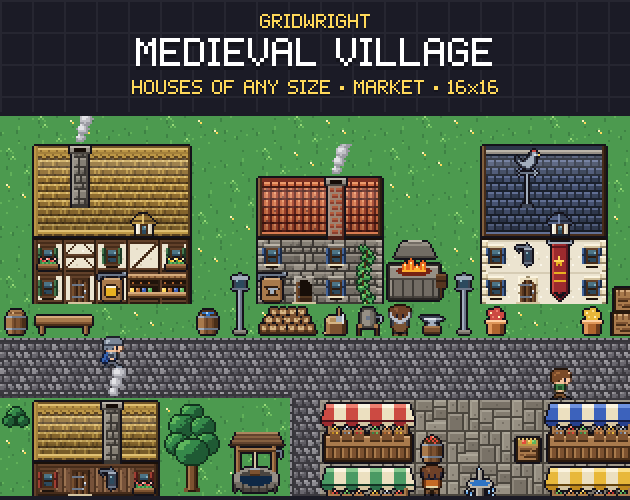
There is a second 16-tile set that looks the same on paper and works quite differently. It reads the four sides of a tile: north, east, south and west. That suits anything that is a line rather than an area, such as fences, pipes and thin walls. In Gridwright Farm RPG the fences are numbered 1 for north, 2 for east, 4 for south and 8 for west, so fence_05 runs north to south. Medieval Village has a dry-stone wall and a wooden palisade with 16 joins each, next to its 47-tile cobblestone road. When a pack says 16 tiles, check whether it means corners or sides, because they are not interchangeable.
Your engine's words for the same thing
- Godot 4: a terrain set has one of three modes. Match Corners and Sides is the mode for a blob set, Match Corners for a corner set and Match Sides for a side set. You create the terrain set and a terrain in the TileSet resource, select each tile, set its peering bits, and paint with the TileMap editor's terrain mode.
- Tiled: the same three as a Corner Set, an Edge Set and a Mixed Set. A complete Corner or Edge Set with two terrains has 16 tiles. A complete Mixed Set has 256, and a reduced 47-tile blob set works with it too. The Terrain Brush picks the tiles and adjusts the neighbours.
- RPG Maker MV and MZ: an autotile in the A2 sheet is a small block, and the engine builds each tile from quarters of it. That means a tile's detail may only depend on its own side, or it comes out wrong once the engine has cut it up.
Writing your own autotiler
If your engine has no terrain tool, an autotiler is a few dozen lines of code. The demo maps in our pack screenshots are assembled by a small one, and the steps are always the same:
- Keep the map as a grid of terrain flags, not of tiles. The tiles are worked out from the flags.
- For a blob set, add the values of N, E, S and W first, then add each diagonal only if both of its neighbours are set.
- Look the picture up by its number in a table, since only 47 of the 256 numbers are ever used.
- When a cell changes, work out that cell and its 8 neighbours again.
- For a corner set, store the flags on the points instead, with one more row and one more column than there are cells.
This is why the bitmask is worth having in the file names. In the Top-Down Tileset it is in every name and in tiles.json, so you can wire the sets to any engine without opening an image editor.
Several terrains on one map
Do not draw a transition for every pair of terrains. Use layers instead. Draw each terrain's autotile transparent outside its shape, fill a bottom layer with plain ground, and give every other terrain its own layer on top. Any terrain then goes on any ground, which is how the Top-Down Tileset's sets are made.
Variants of one terrain are even easier. When two sets share the same shapes, you can work out the bitmask once and pick the picture afterwards. Farm RPG's dry and watered soil work like that: count both as tilled, then choose dry or wet for each tile, and they join without a seam. Water that freezes works the same way, swapping water tiles for ice tiles with the same number.
Which one should you pick?
- Players or level designers paint cell by cell, as on a farm or in a top-down RPG: a 47-tile blob set.
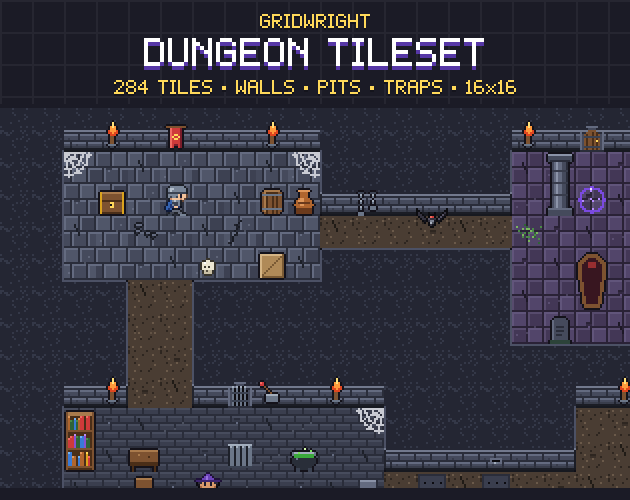
- Walls and dungeons with hard edges: a 47-tile blob set. Dungeon Tileset has 47-tile wall autotiles in 3 styles and a 47-tile pit.
- Big natural shapes such as sand, snow and meadows, or your own art with little time to draw it: a 16-tile corner set.
- Fences, pipes and other lines: a 16-tile side set.
- An editor that paints by corners: a corner set, whatever the game. The Top-Down Tileset ships both kinds of the same terrains, so you can try each before you commit.
Gridwright packs can be used in commercial games: packs listed since 2026-10-28 ask for a credit with a link, older ones need none, and reselling the files is not allowed. The details are in can I use game assets in a commercial game.