A blob autotile lets you paint terrain with one brush while the edges and corners appear by themselves. The price is 47 tiles for every terrain, and one edge that doesn't match shows up all over the map. You only need to draw a few of those tiles yourself. This guide shows which ones, how the rest are put together, how to test the result and how to load it into your engine.
Why 47 tiles
A tile looks at its 8 neighbours, which gives 256 possible combinations. A diagonal neighbour only matters when the two side neighbours next to it are filled too, because otherwise the side tiles have already cut that corner away. Remove those cases and 47 different tiles are left. If you are not sure you need all of them, 47-tile blob vs 16-tile corner sets compares the options.
The few tiles you really draw
Cut any blob tile into four quarters and each quarter shows one of five things: the fill, a top or bottom edge, a side edge, an outer corner or an inner corner. Draw those once and every one of the 47 tiles can be put together from them. That is why two small templates are enough:
- A 3x3 island: four corners, four edges and the fill. It is easy to read, but it has no inner corners. A tool has to make them from the edges, or you draw one extra tile for them.
- A 2x3 block, the RPG Maker layout: a 2x2 island with an inner-corner tile above it, and one more tile that RPG Maker uses for its palette. It is smaller and it holds the inner corners.
Start with the 3x3 island if you are new to this. You can see at once whether the shape reads as ground, and you can add an inner-corner tile when the mitred ones look wrong.
Rules that make a template work
- Edges must repeat. The left side of a top edge has to flow into its right side, or a straight coast shows a seam on every tile.
- The fill must repeat in both directions, and it should be plain enough that the grid doesn't show.
- Use an even tile size such as 16, 32 or 48, so each tile splits into four equal quarters.
- Keep the outside transparent when the terrain lies on other ground. One set of water tiles then works over grass in any season.
- Keep loud details out of the template. A single flower in an edge tile repeats dozens of times across a map. Put it on a separate fill variant or a prop instead.
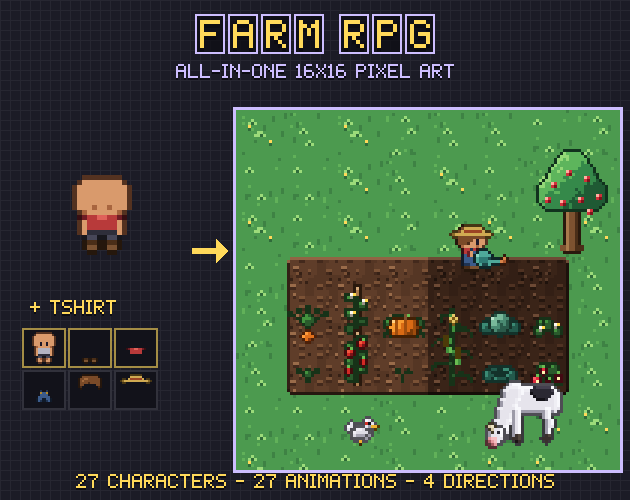
Shading needs one more rule if the set will ever be cut into quarters, as RPG Maker does. Each part of an edge may only depend on its own side. Shading based on the distance to the nearest open cell looks fine on a sheet, then breaks where the quarters meet. We hit this drawing the water in Farm RPG, a 47-tile set with a 3-frame animated shore, and fixed it with near-shore bands drawn per direction.
Test it on a random map
A set can look right on its sheet and still break on a map, because most combinations never sit side by side on a sheet. Paint a random map instead. We use 30 by 30 cells filled about 60 percent, which produces the awkward shapes real maps also produce: lone cells, one-cell lines and diagonal chains.
Look for places where a line or a colour jumps as it crosses from one tile to the next. Then put the terrain on every ground it will really lie on. A dark outline that reads well on grass can vanish on dark soil.
Load it into your engine
- Godot 4: create a terrain set in the mode Match Corners and Sides, add a terrain inside it and set the peering bits on every tile. Set the tile size before you create the atlas, because automatic tile creation depends on it.
- Tiled: make a mixed wang set for the terrain and give each tile its wang id. The terrain brush then picks tiles for you.
- RPG Maker MV and MZ: put the 2x3 block on the A2 sheet at 48 pixels. The engine builds the other tiles from quarters by itself.
- Your own code: a lookup table from the neighbour mask to the tile's position is all you need.
Setting peering bits by hand for 47 tiles is slow and easy to get wrong, so let a tool write that file if you can.
Tools that do the building
You can do the quarter work by hand in a paint program, and for one terrain that is a fair way to learn it. For several terrains, a tool pays for itself in saved time. We read these on their own pages in November 2026:
- Blobsmith turns a 2x3 block into a 47-tile set, for tile sizes from 8 to 64. It has its own pixel editor, so you can draw inside it, and its Godot file can include collision shapes. Ours has neither. The full version costs $9.95 and writes Godot 4 and Tiled files; the free browser Lite exports PNG.
- AutoBlob is an Aseprite extension for $5.99. If you already draw in Aseprite it is the shortest path: six template tiles go in and a new sprite with the full set comes out, palette intact, plus a JSON map of masks to tile positions.
- Autotile Builder is ours and runs in the browser. It takes a 3x3 island or a 2x3 block from 8 to 128 pixels and mitres the inner corners if you didn't draw any. Its seam check paints a random map, marks each break in red and names the piece to fix.
The Autotile Builder's free edition handles one terrain and saves the 47-tile atlas as PNG and JSON. The full edition, in Gridwright Studio, adds the 16-tile sets, Godot and Tiled files, RPG Maker-compatible sheets, animation over 2 or 3 frames and several terrains in one atlas.
A first set in the Autotile Builder
- Open the Autotile Builder and load your 3x3 island or 2x3 block, or start from a sample.
- Check the full set, then press R for a random map and read the seam check.
- Fix what it names in your paint program. Watching a file rebuilds the tiles each time you save (Chrome and Edge).
- Save the atlas with its JSON, or the file for your engine.
If you would rather not draw it at all
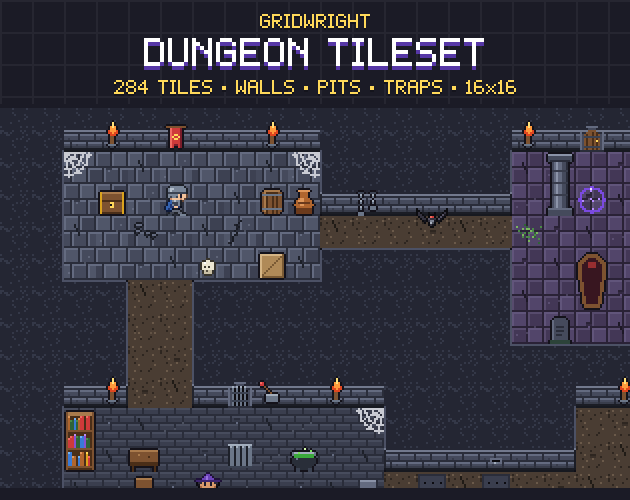
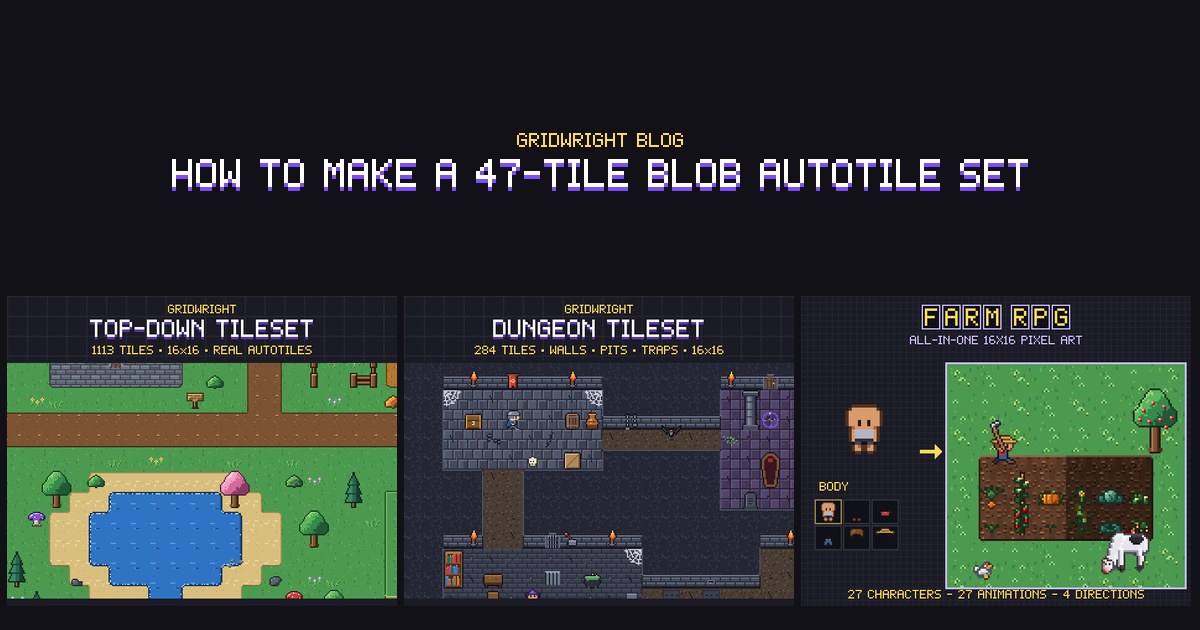
Terrain is a lot of work when your game needs many kinds. The Top-Down Tileset and the Dungeon Tileset ship with their autotiles finished, and the Farm RPG has soil, paths, ice and water as 47-tile sets with engine files. They are also a useful reference: open one and see how its corners were solved before you draw your own.
Gridwright packs can be used in commercial games; you may not resell the files themselves. Packs released from October 28, 2026 ask for a credit: “Art by Gridwright” with a link (each pack’s LICENSE.txt says which applies). More in can I use game assets in a commercial game.