Light is the cheapest way to make a pixel art scene feel like a place. A dungeon with one torch, a bedroom lit by the moon through a window, a cellar seen through a flashlight: the art stays the same, and the mood changes completely. This guide shows how to light a 2D pixel art game in Godot 4 with the light nodes it already has, and what makes a light texture look right next to pixel art.
How 2D lights work in Godot 4
Godot 4 lights a 2D scene with PointLight2D nodes. Each one has a texture that sets the shape of the light, a colour, and an energy. The texture is usually white with the light in its alpha channel, so one texture can be a warm torch or a cold moon just by changing the colour. To make the lights matter, darken everything else: add a CanvasModulate node with a dark colour, something like a deep blue-grey, and every sprite outside a light's reach falls into shadow.
- CanvasModulate: the darkness the lights cut through. Blue-grey reads as night, near black as a cellar.
- PointLight2D texture: an alpha texture, white where the light is strongest.
- Color: the light's colour. Keep a small set of colours per scene.
- Energy: about 1 to 1.5. Higher values burn the sprites to white.
- Blend mode Add for normal lights; Subtract and Mix exist for special cases.
Smooth light versus pixel light
Most free light textures are smooth gradients. Over pixel art they look like a filter laid on top of the game, because the art has hard steps and the light does not. A pixel style light is computed on a coarse grid and cut into a few flat bands, so the light falls off in visible steps that match the art. Both are valid: smooth light suits a soft, painterly mood; stepped light keeps a strict retro look.
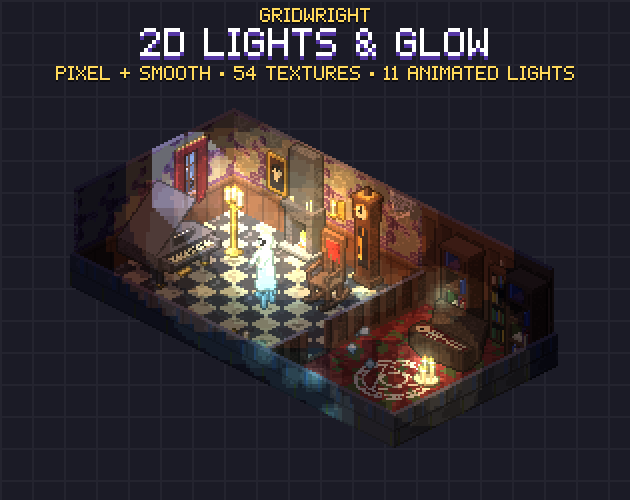
If you use stepped light, keep the steps on the same pixel size as your sprites. A 256 px light texture with 4 px cells looks right in a game drawn at 4x; at 1x the same texture looks blurred. Our 2D Lights & Glow pack ships every texture in both styles so you can compare them in your own scene.
Cones, flashlights and turning a light
A spotlight or flashlight is a cone texture. The tricky part is the origin: a PointLight2D turns around its own position, but the light in a cone texture starts at the edge of the image, not in its middle. Set the light's Offset to half the texture's width so the cone's tip sits on the light's position, then rotate the light node. Now the beam turns around the flashlight instead of around the middle of the beam.
A flashlight reads best with a bright hot spot in the middle of the beam and a softer cone around it. For horror, keep the ambient very dark and let the beam be the main light; the player sees only what they point at.
Moonlight through windows
Light shafts through a window give a room its direction. The cheap way is a texture: the window's shape swept along the light's direction and faded with distance, drawn as a PointLight2D or an additive sprite near the window. The shape matters more than you would think. Four panes with a cross frame read as a house, an arch as a church or a mansion, blinds as an office, bars as a prison. Flip the texture for windows on the other wall instead of drawing it twice.
Flicker that loops
A torch with a perfectly still light looks painted on. Swap the light's texture every frame from a short loop of slightly different shapes, at about 8 to 10 frames per second, and the room comes alive. Two rules keep it from looking cheap:
- Make the loop close: the last frame must lead into the first without a jump. Building the flicker from whole-number waves over the loop guarantees it.
- Give each light its own phase: two torches that flicker in step look like one machine. Start each one on a different frame.
In Godot, keep the frames in an array and set light.texture from it in _process, using the frame rate of the animation. The same frames also work as an AnimatedSprite2D with a CanvasItemMaterial set to Add, if you want a glow sprite instead of a light.
Colour: a small set per scene
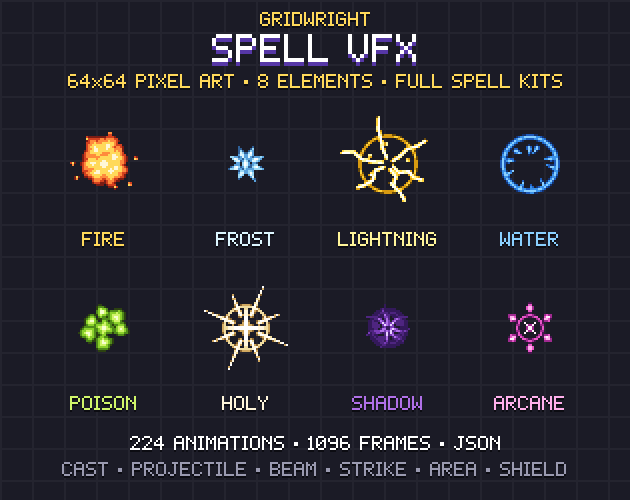
Pick three or four light colours per scene and stick to them. Warm for fire and lamps, a cold blue for the moon and fluorescent tubes, one accent for magic or danger. A purple glow over a seance table or a cyan glow around a ghost tells the player something supernatural is happening, without a word of text. For effects that are themselves the light source, such as a spell or an explosion, match the light colour to the effect: our Spell VFX colours are a good starting set.
A lighting checklist
- A CanvasModulate for the darkness, tuned until unlit corners are hard to read.
- One main light per room, a few small ones, nothing evenly lit.
- Light textures that fade to nothing before the edge of the image, or you will see a square.
- Pixel style light for pixel art, at the same pixel size as the sprites.
- Flicker loops that close and lights that do not flicker in step.
- Three or four light colours per scene.
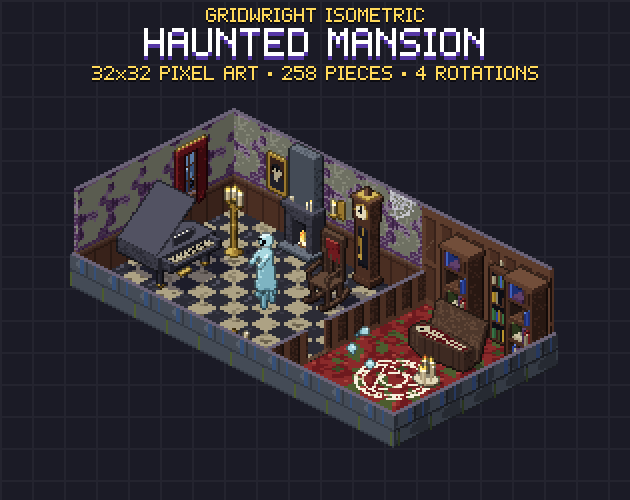
For a full example, see how a lit room changes the mood of the Isometric Haunted Mansion, and read our guide to building a haunted house level. If you work in isometric, our post on isometric tilemaps in Godot 4 covers the map side.
All the Gridwright packs linked here can be used in commercial games; you may not resell the files themselves. Packs released from October 28, 2026 on, 2D Lights & Glow among them, ask for a credit "Art by Gridwright" with a link. More in can I use game assets in a commercial game.