There are two ways to put tiles on a map. With an autotile you paint a terrain, and the editor picks the edge, corner or inner-corner tile for each cell. By hand you choose every tile yourself. Most finished maps use both. This post covers when each one fits, where each one breaks, and how to mix them in Godot 4 and Tiled. How the sets themselves work is in 47-tile blob vs 16-tile corner sets.
What really changes
The difference is what you edit. With autotiles you edit the shape of a terrain and the tiles follow: move a pond's shore and its edges move with it. By hand you edit the tiles, and you are the lookup table, working out again which edge goes where every time a shape changes.
So the choice depends on how often a map will change, and on who changes it. A screen you draw once can be placed by hand without much loss. A level you redraw while testing, or ground the player digs during play, needs tiles that pick themselves.
Where autotiles earn their setup
- Large natural areas: grass, sand, snow, water and soil. They cover most of a map, and their borders are the most tiles to place.
- Maps that change while you design them. Tiled's terrain brush also adjusts the neighbouring tiles to connect to what you painted, so a new coastline is one stroke.
- Ground the player changes in the game, such as tilled soil, dug holes and built floors. Your code has to pick those tiles, which is autotiling whether the editor uses it or not.
- Animated terrain. Every frame of a shore needs the right edge in every cell, and a terrain keeps the frames together.
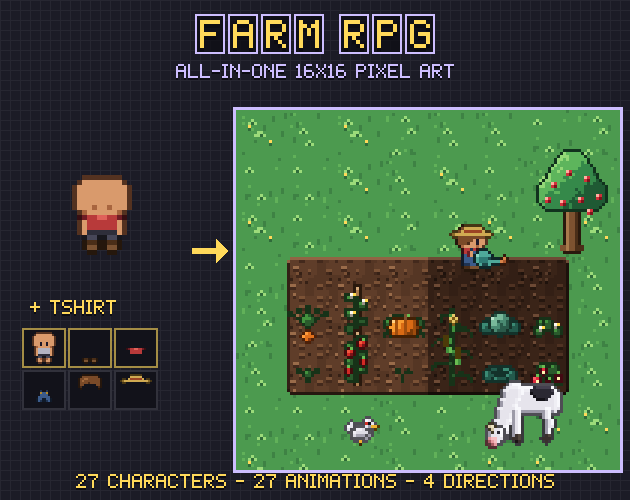
Farm RPG is built around the third case. Its dry and watered soil are 47-tile autotiles with the same shapes, so a field can be watered tile by tile without a seam, and its Godot 4 TileSet has terrains for the soil, the path, the ice, the animated water and the two farmhouse floors.
Where hand placement is the better tool
- One-off set pieces: a shrine, a cave mouth in a cliff, a boss room. Their edges carry meaning a rule can't know about.
- Joins your set has no tile for. When Tiled finds no transition between two terrains, it puts a third one between them: its manual's example connects dirt painted on cobblestone through sand. If you want something else, place the join yourself.
- Wear and irregularity: a broken fence, a frayed path end, a crumbled wall corner. An autotile draws a clean edge every time.
- Tiles that carry a decision, such as stairs, doors and ledges. They often have collision or game data of their own, and you want each one exactly where you put it.
What breaks on each side
Autotiles go wrong in a few typical ways:
- A missing combination. The set works until a shape needs the tile that isn't there. Tiled's Patterns view darkens the patterns the tileset already has, so the missing ones stand out.
- Repetition. The same shape always gets the same tile, so a long straight edge can look stamped. Variants help, as described below.
- Seams. If a template's edges don't repeat, the break shows on every tile built from them. How to make a 47-tile blob autotile set covers how to test for that.
- Hand fixes that get painted over. Tiled's brush adjusts the tiles around a stroke, and Godot's Connect mode joins new tiles to the ones around them, so a tile you swapped by hand can change the next time you paint beside it.
Hand placement fails more quietly. A missing inner corner looks fine at a glance and turns up in a screenshot weeks later. Every change to a shape means placing its border again, so maps tend to stop changing. And nothing placed by hand reacts to the player unless you write the code that picks the tiles.
Mixing both: one layer for each job
The cleanest mix keeps the two kinds of work apart. Godot's docs advise using several TileMapLayer nodes when appropriate, and each layer holds one tile per cell, so tiles on different layers can overlap. A plan for most top-down maps:
- Ground layer, painted with terrains: fill it with the base ground, then paint the other terrains on top.
- Fixes on the ground layer, placed by hand and last: the few joins the terrain gets wrong.
- Detail layer: flowers, tufts, pebbles and cracks, placed by hand or at random.
- Objects layer: fences, props, buildings and anything with collision.
Godot paints with a terrain in three ways. Connect joins new tiles to the tiles around them on the same layer. Path only joins tiles painted in the same stroke, so two roads can run side by side without merging. And you can pick one specific tile from the terrain to resolve a conflict the rules don't cover. A terrain tile can also be painted as a single tile like any other, so a hand fix needs no second tileset.
Tiled's terrain tool can't edit several layers at the same time, so paint each terrain layer on its own. A tile with its probability set to 0 is never placed by the brush, though Tiled still knows its terrain, which suits joins you only want to place yourself.
Decoration without placing every flower
Decoration is where most hand placement goes, and both editors can take part of it. In Tiled every tile and every terrain has a Probability: the manual's example sets bushes and other decorations to 0.01, which makes each of them 100 times less likely to be chosen than the plain sand tile, so a fill scatters only a few. In Godot the Paint tool can choose a random tile among the ones you selected, and a Scattering value above 0 adds a chance that no tile is placed, which suits flowers on a detail layer.
For a group of tiles you place again and again, such as a pond with its reeds, Godot's Patterns tab saves the placement and puts it down with one click. Patterns are stored in the TileSet resource, so every map that uses it gets them too.
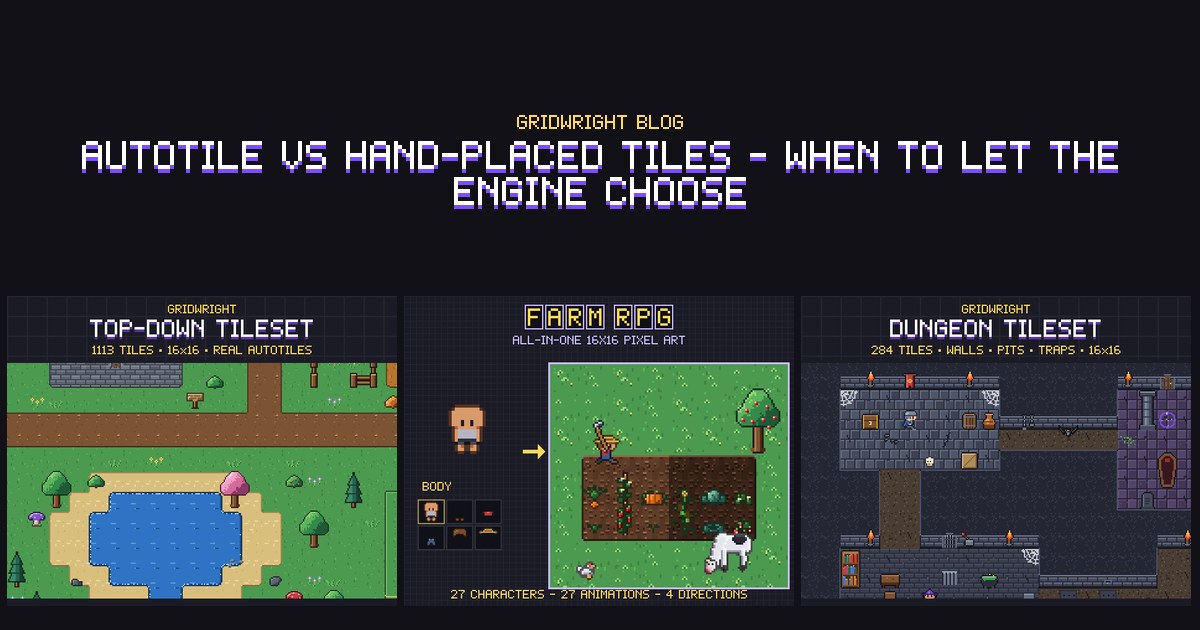
The Top-Down Tileset is drawn for this layout. Its 47-tile sets are transparent outside their shape, so any terrain goes on any ground, each ground comes in 4 variants, and grass tufts, flowers, pebbles and mushrooms come as separate props for the detail layer.
Editing speed and the game's speed
Autotiles cost time once and save it on every edit after that. The setup for a blob set in Godot is peering bits on 47 tiles for every terrain. A tool can write that file, and some packs ship it: Farm RPG includes the Godot TileSet with its terrains and Tiled tilesets with wang sets. The Top-Down Tileset has no engine project files in v1.0; the neighbour bitmask is in every file name and in tiles.json, so a short script can wire it to any engine.
In the running game there is no difference. A placed autotile is a tile like any other, and Godot's tilemaps are built to draw large numbers of tiles. Extra work only comes when your code picks tiles during play, and then only for the changed cell and its neighbours. Scene tiles are the thing to watch: Godot's docs note that every placed scene tile is instanced on its own and costs more than an atlas tile.
Which one for which part of the map
- Ground that covers most of the map: autotile.
- Anything the player digs, builds or waters: autotile, picked by your code.
- Paths and roads: autotile, with Godot's Path mode where two of them run side by side.
- Landmarks and set pieces: by hand, or a saved pattern.
- Stairs, doors and ledges: by hand, on the objects layer.
- Clutter and decoration: a detail layer, by hand or with a random or low-probability fill.
Your own art or a finished set
If the art is your own, the Autotile Builder turns a 3x3 island or a 2x3 block into a full 47-tile set and checks it for seams on a random map. Its free edition handles one terrain and saves the 47-tile atlas as PNG and JSON. The full edition, in Gridwright Studio, adds the Godot 4 TileSet, the Tiled wang set, RPG Maker-compatible sheets, animation and several terrains in one atlas.
For finished terrain, the Top-Down Tileset and Farm RPG are in Gridwright Studio with every other Gridwright pack and tool. Gridwright Studio: 3 days for $1, then Pro at $20 a month or $192 a year.
Gridwright packs can be used in commercial games; you may not resell the files themselves. The Top-Down Tileset needs no credit, though it is appreciated. Farm RPG, like every pack released from October 28, 2026, asks for a credit: “Art by Gridwright” with a link (each pack’s LICENSE.txt says which applies). Tiles you make with the Autotile Builder are yours, commercial games included. More in can I use game assets in a commercial game.