Chiptune or orchestral is one of the first sound choices in an indie game, and it reaches further than taste. It sets how much work the soundtrack takes, how the loops behave, how big the build gets and how your sound effects sit on top of the music.
What each style is made of
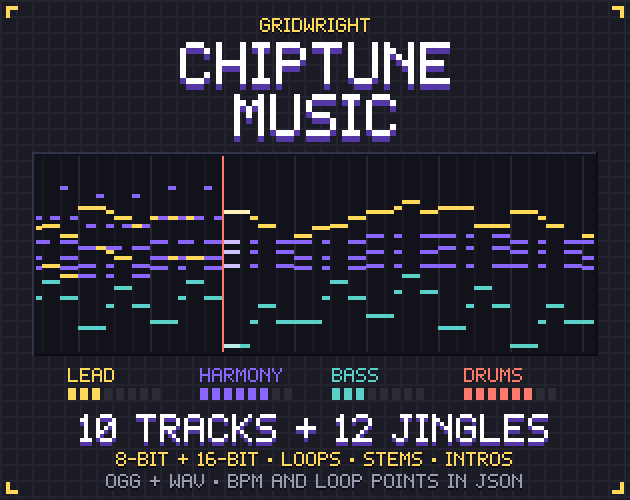
Chiptune copies the sound chips of old consoles and home computers: a few simple voices, usually pulse waves for the melody, a triangle wave for the bass and noise for the drums. The 8-bit versions in Chiptune Music use that set, with volume and vibrato stepping at frame rate the way the old chips did.
Orchestral music uses strings, brass, woodwinds and percussion, recorded or played from sampled instruments, in a room or with added reverb. Between the two sits the 16-bit sound, where FM synthesis and samples imitate real instruments. The pack's 16-bit versions use an FM lead and bass with brass, flute, plucked strings, bells and string pads, so they already lean toward the orchestra.
Effort: who can write it
Chiptune is the easier style to start writing yourself. With few voices there are fewer parts to arrange, and a simple melody over a steady bass already sounds like a game track. The Chiptune Composer runs in the browser: a piano roll with a scale lock that keeps notes in key, pulse, triangle, saw, wavetable and noise voices, and a song chain saved as a WAV.
Orchestral music asks for more: good sampled instruments, a sense of which instrument can play which part, and a mix that puts the sections in one space. Players also hold it up against film scores, so stiff timing or thin samples stand out. If nobody on the team writes it, budget for licensed tracks or a composer from the start.
File size and formats
A WAV's size depends only on its length, sample rate, bit depth and channel count, so a minute of pulse waves takes as much room as a minute of strings. The format matters far more than the style. Godot's audio import guide says WAV is light on the CPU but takes up a lot of disk space, while Ogg Vorbis files are much smaller and need significantly more processing power to play. It advises WAV for short, repetitive sound effects and Ogg Vorbis for music, speech and long sound effects.
In a long game, reuse saves more. Each Chiptune Music track comes as a loop, an intro plus loop, a full version with an ending, a calm version without the lead and four stems, so one track can serve several scenes. Everything is OGG at 44.1 kHz stereo, with WAV as well for the loops, the intro plus loop files and the jingles.
Looping: dry voices and long tails
Dry chiptune voices stop when the note stops, so a loop cut on a bar line has little left ringing. Orchestral music rings on: strings fade slowly and reverb carries the last chord past the loop point. Cut that file at the bar and the tail vanishes at every loop, or the hard edge clicks.
The fix is to wrap the tail around, so the start of the file already holds what rings out from the end. Chiptune Music renders every loop that way, echo and reverb included. How to loop game music seamlessly covers intros, loop points and stems.
In Godot, a WAV can carry its loop points in its metadata, counted in samples, and the Detect From WAV loop mode uses them on import. Ogg Vorbis has only a loop begin, the Loop Offset, in seconds, and no loop end. For an intro plus loop OGG, take the loop start in samples from the pack's music.json and divide it by 44,100.
Mood and the look of your game
Chiptune pairs naturally with pixel art, since both come from the same era of hardware, and its range goes well past bright arcade tunes. Among the ten Chiptune Music tracks, Deep Halls is a dark dungeon theme in E minor at 88 BPM, Titan Awakens a boss fight in C minor at 168 BPM, and Lantern Light a calm night theme in 3/4 at 76 BPM.
Orchestral music is at home with scale and slow, emotional moments, such as a long string line or a brass swell under a reveal. A pixel-art game with a heavy story can carry an orchestral score, and the contrast between small sprites and a big sound can be the point. What jars is a mismatch the game never explains, like a cozy farming game scored like a war film.
How each mixes with sound effects
Chiptune music and chiptune effects are built from the same waves, so a pulse-wave coin can disappear under a pulse-wave lead in the same range. Ways to keep the effects clear:
- Drop the lead when the screen gets busy. A calm version keeps the harmony, bass and drums, leaving room for dialogue blips.
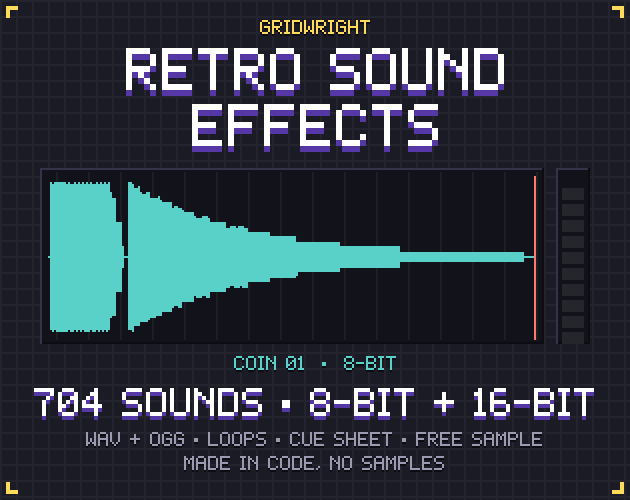
- Switch the effect's version. Retro Sound Effects has all 352 sounds in 8-bit and 16-bit under the same file names, so a coin that hides in the melody can be swapped for its 16-bit twin of FM tones and filtered noise.
- Move a sound of your own out of the melody's range with the Sound Effect Generator, which changes the wave, pitch slides, filters and bitcrush and saves a WAV.
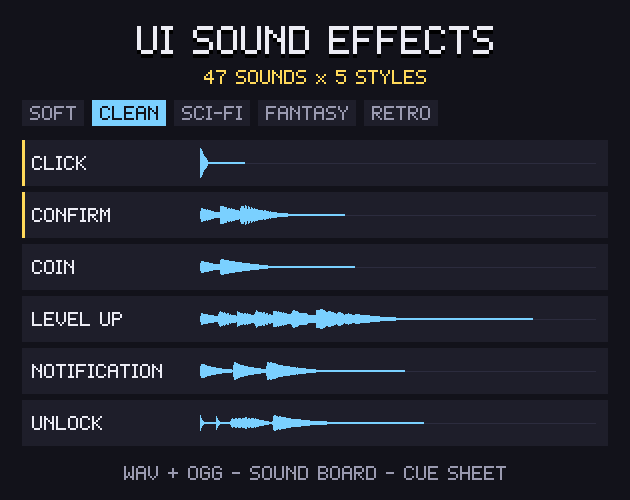
Orchestral music fills the low and middle range and is often wet with reverb, so dry, bright effects jump out in front of it. Choose effects with a matching sense of space. UI Sound Effects has a Fantasy style of bells, harp plucks and sparkles in a long magic hall next to a Retro style of 8-bit pulse waves, with the same file names in all five styles.
Music and effect buses in Godot
An AudioStreamPlayer plays on the bus named in its bus property, Master by default, and falls back to Master if no bus has that name, so a typo quietly skips your Music bus. Make a Music bus and an SFX bus, route both to Master and set the levels there. The bus docs note that every 6 dB doubles or halves the amplitude, and that the Master mix should stay below 0 dB, where clipping starts. These packs are loudness-matched within themselves, so one level per bus usually does it.
When a hybrid works
A mix of the two holds up when each switch follows something in the game:
- The 16-bit middle. FM with brass, flute, strings and bells gives a retro game a fuller score. Chiptune Music's two versions share notes and file names, so you can switch the whole soundtrack by changing one folder.
- Layered stems. An 8-bit lead over a 16-bit harmony stem keeps the chip melody and adds depth; check in music.json that both files have the same length in samples. Godot's AudioStreamSynchronized starts up to 32 sub-streams at exactly the same time and sets each one's volume by index.
- A switch by scene. Keep chiptune for play and bring in the fuller sound for a boss or the ending. Godot's AudioStreamInteractive changes clips at the next beat, the next bar or a clip's end, with a cross-fade; set the BPM and beat count when you import the music.
- Orchestral accents. A retro horror game can borrow a few real-instrument scares. Horror Sound Effects has dissonant string stingers, low piano clusters and low brass braams, each in a Dry and a Reverb version.
A hybrid falls apart when the layers fight, as when a lush pad drowns a thin square lead. Put both in the same reverb, or keep the chip voices dry in front and the fuller layer quieter behind them.
A quick way to decide
- Pixel art and a fast, arcade-like game: start with chiptune.
- A story built on big emotional scenes: orchestral, or 16-bit as the middle.
- Nobody on the team writes music: chiptune is the easier style to learn.
- A build that must stay small: OGG for music and short loops, in either style.
If you are still unsure, play two versions of one track in a playtest with the effects on, since a track that sounds right alone can turn to mush under constant coin pickups. Chiptune Music's free sample has two complete tracks, Open Road and Market Square, in both versions, enough for that test.
Chiptune Music, Retro Sound Effects, UI Sound Effects and Horror Sound Effects are on Gridwright, each bought once with a free sample to try first.
Gridwright packs can be used in commercial games; you may not resell the files themselves. Packs released from October 28, 2026 ask for a credit: “Art by Gridwright” with a link. Chiptune Music, Retro Sound Effects and Horror Sound Effects came out before that, so for them a credit is optional; UI Sound Effects came out on November 1 and asks for one. More in can I use game assets in a commercial game.