In a visual novel the background is on screen for almost every line of dialogue. Players read hundreds of lines in front of the same classroom, so the backgrounds carry the mood more than any other art in the game. The good news is that a small, well-planned set goes a long way: a handful of locations, each in a few versions, covers a whole story.
This guide covers which locations most visual novels need, how many versions of each, which sizes to use in Ren'Py, and how to name and set them up so adding a scene later is quick.
Start from the story's places, not from the art
Read through your outline and list every place a scene happens. Most stories land on the same short list: the main character's room, a school or a workplace, a street in town, somewhere to eat or drink, somewhere outside to talk, and one or two special places for the big moments. Group the rest into those: a corridor conversation can happen in the hallway you already have.
- Home: bedroom, living room, kitchen.
- School or work: classroom, hallway, library, office.
- Town: street, cafe, shop, train station, rooftop.
- Outside: park, beach, a shrine or a forest path.
- Special: a gothic hall, a basement, anywhere your story turns dark.
Times of day do the work of new locations
The same classroom at day, at sunset and at night tells three different stories: a normal lesson, a confession after school, someone sneaking in. Versions of one place are cheaper than new places and they keep the world consistent, because players recognise the room. Plan every location in at least day, sunset and night, and outdoor places in rain as well.
Light changes more than the colours. At night, lamps, screens and windows should light up and throw warm pools of light; the sky outside a window should change with the time. A background that is only darker at night looks like a mistake, while one with lit windows feels like a real evening.
Sizes for Ren'Py
Ren'Py projects are usually 1280x720 or 1920x1080, both 16:9. Make your backgrounds exactly that size so they fill the screen with no stretching. For pixel art, draw at a small 16:9 size such as 640x360 and scale it by whole numbers: 2x gives 1280x720 and 3x gives 1920x1080. Every pixel stays a clean square.
If you scale in the engine instead, switch on nearest-neighbour filtering so the pixels do not blur; in Ren'Py that is the config.nearest_neighbor setting. Shipping the exact sizes is simpler: the files are ready and nothing can blur them.
Name files so the script reads well
Ren'Py shows backgrounds with the scene statement, and image names are made of words: the first word is the tag. Name backgrounds as bg, location, time, and the script stays readable.
- scene bg classroom day
- scene bg classroom sunset with dissolve
- scene bg street rain
- show gw rain
Keep the files in one folder inside game/images, and define every image in one .rpy file. When you add a location later, you add one line per version and nothing else changes.
Transitions that match the moment
How you change backgrounds matters as much as what you change to. A quick dissolve moves the story along without drawing attention; a fade to black marks the end of a scene or a jump in time; a sudden cut with no transition works for a shock. Changing only the time of day of the same place reads as time passing, so a dissolve from the classroom at sunset to the classroom at night says the characters stayed late without a single line of narration.
Keep the transitions consistent across the game. If a fade always means the next day, players learn the rhythm, and you can break it on purpose when something goes wrong.
Keep one look across the whole set
Backgrounds from different sources rarely sit well together: one has thick outlines, another soft painting, a third a different camera height. Players notice the jump every time the scene changes. Pick one style and one pixel size, keep the camera at the same height in every room, and light every place with the same model, so the sunset in the park matches the sunset through the classroom window.
The same goes for the rest of the screen. If the text box and the portraits are pixel art at the same scale as the backgrounds, the screen reads as one picture instead of three layers glued together.
Rain, flicker and other small loops
A short animated loop on top of a still background brings a scene to life for very little work. Rain is the classic one: a transparent loop of falling drops that you show over any outdoor background, and hide when the weather clears. A flickering bulb in a dark room or a blinking sign in a street does the same for night scenes. In Ren'Py, an image made of frames with a pause between them and a repeat at the end plays as a loop.
Leave room for the characters
Character sprites stand in the middle and the text box covers the bottom of the screen. Keep the important parts of a background, like a blackboard, a window or a door, above the text box and away from where sprites stand. Avoid people in backgrounds: a stranger in every shot of the cafe gets odd after a while, and an empty scene lets your cast own it.
A ready set to start from
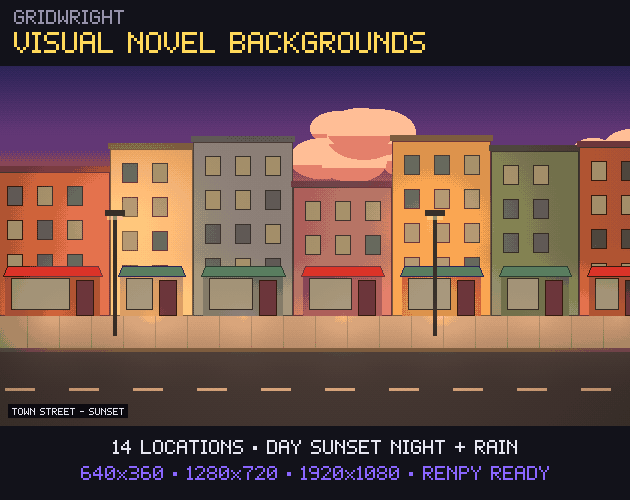
Our Visual Novel Backgrounds pack has 14 pixel art locations (bedroom, classroom, school hallway, cafe, office, library, a gothic manor hall, a basement, a town street, a park, a rooftop, a train station, a beach and shrine steps), each at day, sunset and night, the outdoor ones also in rain: 48 backgrounds at 640x360, 1280x720 and 1920x1080. It adds a rain loop, a flickering basement bulb and a Ren'Py file that defines every image.
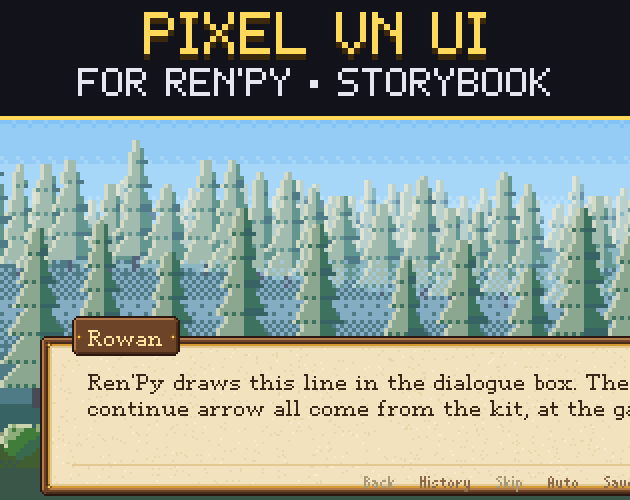
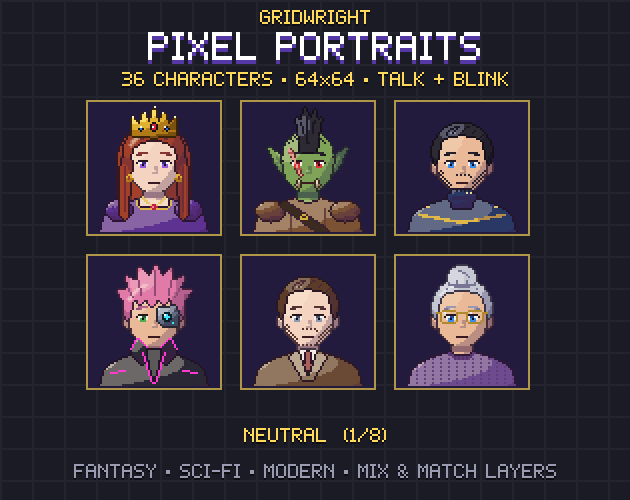
The sizes line up with our Pixel VN UI, a pixel art GUI for Ren'Py in four themes, and the 64x64 faces in Pixel Portraits fit its side-image box. Setting the GUI up is covered in pixel art GUI for Ren'Py.
You can use the backgrounds in commercial games, as long as you credit "Art by Gridwright" with a link and do not resell the files themselves. More in can I use game assets in a commercial game.