
Godot 4.2 or newer
The library, inside Godot.
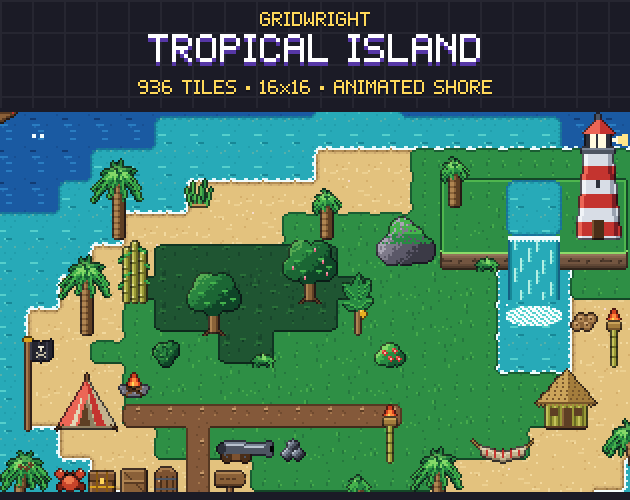
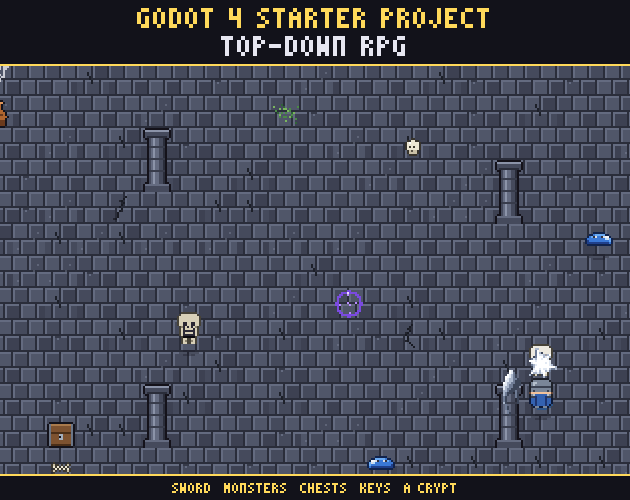
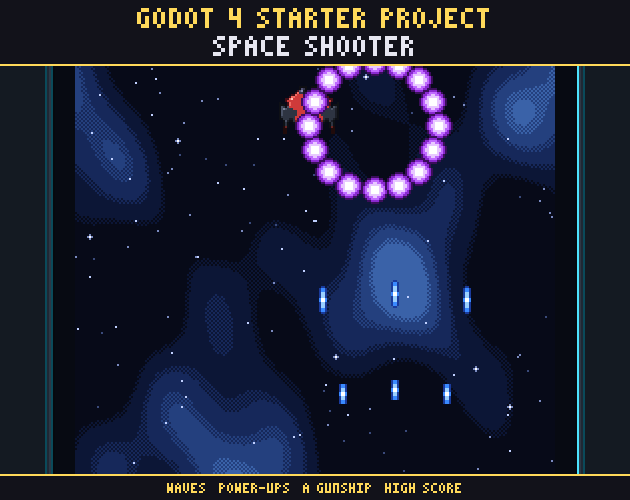
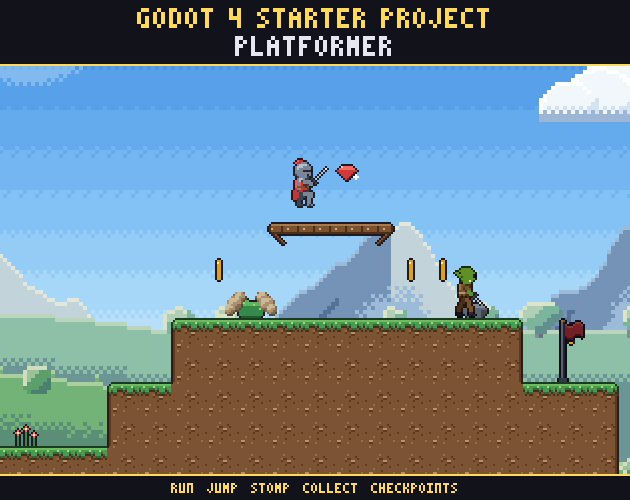
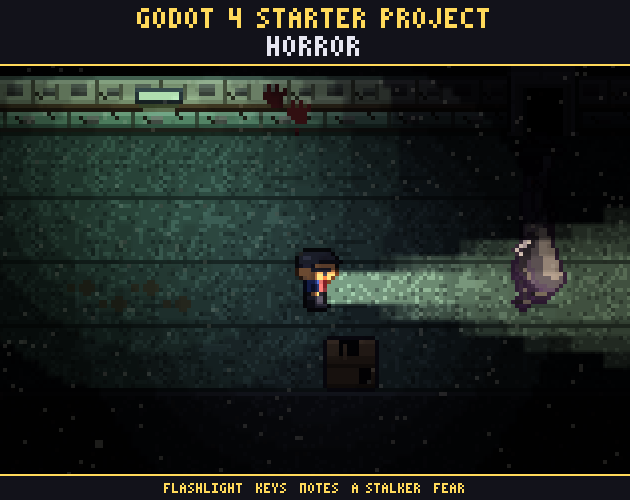
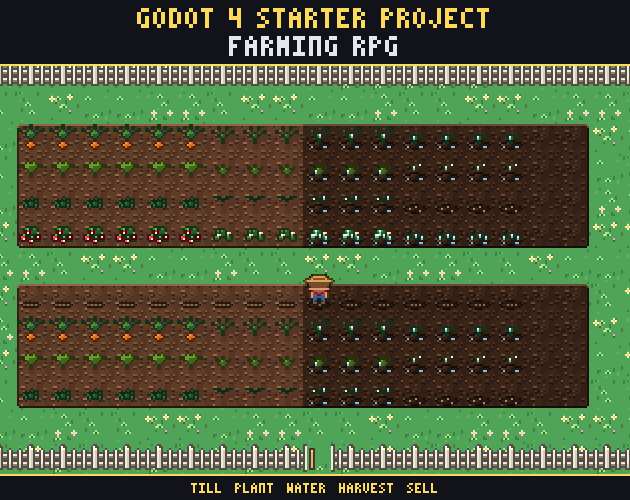
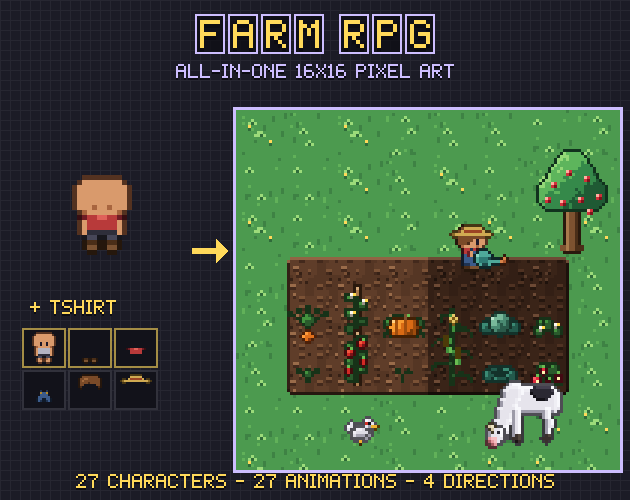
An editor plugin that lists every Gridwright pack and puts the one you pick into your project: no zip to unpack, no folders to drag in.
Every pack's free sample installs with a free account; a full pack installs once you've bought it, the same as downloading it on the site.
Three steps
- 1
Install the addon
Download the zip, unzip it into your Godot project, then switch Gridwright on under Project › Project Settings › Plugins.
- 2
Paste your key
In your Gridwright account, press Copy my plugin key and paste it into the plugin. The key keeps the plugin signed in as you for a year.
- 3
Browse and install packs
Search the library from the editor, look at a pack's cover and press Install: its files go into your project, ready to use.
What you need
- Godot 4.2 or newer.
- A Gridwright account for the key: your account has the Copy my plugin key button.
- Samples install with any account; a full pack once it's bought on its page, paid once.
Rather do it by hand?
Every pack page in the library still has its download button and its set-up notes for Godot.