You draw one car facing up, rotate it in the engine, and at 45 degrees it turns to mush: the outline breaks into stairs, the windows smear, and the highlight that was on the roof is now on the wrong side. Then the car takes a corner and slides sideways through it like a shopping trolley. Cars are some of the hardest sprites in a top-down game, because players know exactly how a car should look and move.
This guide covers the three choices that decide whether your traffic looks right: how many directions to draw, what size a car is next to your tiles, and how the game picks the frame and turns the car.
Why a rotated sprite looks wrong
Rotating pixel art by anything other than 90 degrees resamples it. Every pixel lands between grid points, and the engine has to choose, so lines get jagged or blurry. Worse, the shading rotates with the car. If the light in your game comes from the top left, a car drawn that way and rotated to face down has its lit side at the bottom right.
That is why Top-Down Vehicles renders each of its 28 vehicles in 8 directions from one model, not rotated pixels and not mirrored. The light stays at the top left, and the side you see is the side facing the camera. It also includes straight-down top sprites of every colour (152 of them), facing right, for the games where rotating one sprite is the right call.
4 directions, 8 directions or free rotation
- 4 directions: traffic that drives on a grid of streets and only turns at junctions. A town where cars follow lanes rarely needs a diagonal.
- 8 directions: a player car, chases, off-road driving, RTS vehicles and anything that cuts across open ground. The diagonals carry most of the look.
- Free rotation: a camera that looks straight down, as in classic arcade racers. With no visible side to the car, a single top sprite rotates without the light going wrong.
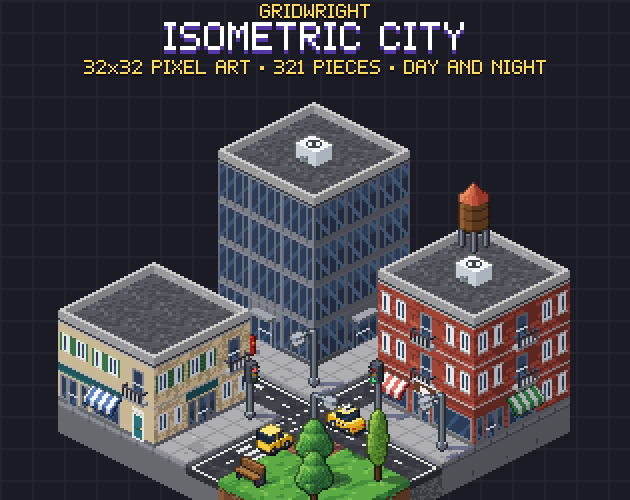
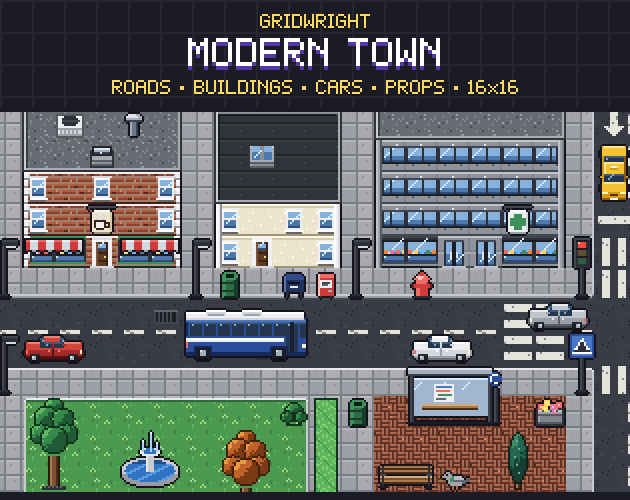
Modern Town is built for the first case: 48 vehicle sprites, every vehicle facing 4 ways, with sedans in 6 colours, a taxi, a police car with flashing lights, vans in 2 colours and a city bus. Isometric City does the same on a 2:1 grid: 20 vehicles in 4 directions, never mirrored, so the light stays on the left, with each car's lane offset in the JSON.
How big a car is on a 16x16 map
Real cars are more than twice as long as a person is tall, but pixel art cheats in favour of the people. A car two tiles long reads as a car and still leaves room on a two-lane street. Modern Town draws its cars at 32x16 and 16x32 and its bus at 64x32 and 16x64, all exact multiples of the 16x16 grid, standing on their bottom row.
Eight directions change the picture: a car seen on the diagonal is wider than it is facing east, so a cell sized for one direction cuts the others. Top-Down Vehicles uses one square cell per vehicle instead: 32 px for the bikes and the quad bike, 48 px for cars, vans and small work vehicles, 64 px for the limousine, ambulance, dump truck, APC and tank, and 80 px for buses and big trucks. The pivot, the ground under the centre of the vehicle, is the same in all 8 directions, so swapping frames never makes the car jump.
Its view is three-quarter top-down, made to match 16x16 and 32x32 top-down tilesets. Before you commit, put one car, one character and one stretch of road on screen at your game's resolution. Scale is easier to judge with a person standing next to the car than on a sprite sheet.
Picking the frame from the car's speed in Godot 4
Godot's Vector2.angle() returns the vector's angle with respect to the positive X axis, in radians. Y points down in 2D, and the docs give the example that Vector2.DOWN.angle() returns PI / 2. So on screen the angle grows clockwise: east is 0, south is a quarter turn, west is half a turn.
That is the same order Top-Down Vehicles uses for its directions: e, se, s, sw, w, nw, n, ne. Divide the angle into eighths and wrap it, and you have the row to play: dir = wrapi(roundi(velocity.angle() / (PI / 4)), 0, 8). For 16 directions divide by PI / 8 instead.
One detail keeps it from flickering. A car driving at exactly 22.5 degrees sits on the line between two frames and can swap every frame. Only change direction when the angle has moved a few degrees past the middle, or when the car's speed is above a small minimum, so a parked car doesn't spin.
Turning that feels like a car
Cars steer; they don't snap. Keep a heading for each car and turn it by a fixed rate per second toward where it wants to go, with Vector2.rotated(), then move along the heading. The sprite follows the heading, not the input, so a hard left takes a short arc instead of a jump. Slow the turn rate at high speed and the car stops feeling like it is on rails.
Effects sell the turn. Top-Down Vehicles includes exhaust, dust, smoke, fire, an explosion, skid marks and tank tracks. Skid marks dropped at the rear wheels while the heading changes fast make a drift readable even at small sizes.
Tanks turn twice. Its tank has a separate turret in 8 directions (40 sprites) and an anchor point per hull direction in the JSON, so the turret aims anywhere while the hull drives somewhere else.
Lights, wheels and wrecks
The extras are what a city game asks for after the first week. Top-Down Vehicles has flashing lights for the police car, ambulance, fire engine and garbage truck (128 frames), turning wheels or tracks for the race car, motorbike, quad bike, tractor and tank (304 frames), and a burned wreck of every vehicle in all 8 directions (224 sprites), with a smoke column and fire that loop. Its 120 colour variants cover a street full of traffic, and tint versions of the cars and the van in light greys let you colour them in the engine.
Traffic and people on one street
Roads decide where cars can go, so build them first. Modern Town has asphalt, a 47-tile sidewalk autotile with kerbs and rounded street corners, and 25 road markings as overlays, from dashed centre lines to zebra crossings and parking bays. Isometric City has 15 road pieces by neighbour mask, crossings, parking bays and traffic lights in red, amber and green, and its asphalt sits 2 px lower than the pavement so the kerb shows. Top-Down Vehicles has no road or city tiles of its own.
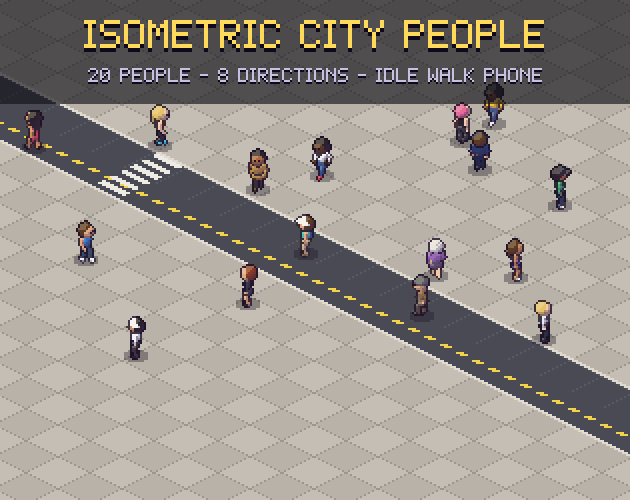
Pedestrians follow the same rule as cars: move them at the speed their animation was drawn for. Isometric City People lists the grid step of every direction and the walk speed in pixels per frame in its JSON, so the feet stay planted while 20 people in 8 directions cross the streets of Isometric City.
Drawing your own vehicles
If your game needs a vehicle nobody sells, draw it once as a model. The 3D Sprite Rotator takes a front, side and top view, or voxels you paint, and turns them into a pixel art sprite sheet at 4, 8 or 16 directions from one model, with the light in the same place in every frame.
Before you fill the streets
- Pick 4 or 8 directions from how your cars move, not from how many frames you can afford.
- Use one square cell per vehicle with the same pivot in every direction.
- Check scale with a character standing beside the car, at your game's resolution.
- Choose the frame from the velocity's angle, with a little margin so it doesn't flicker.
- Turn the heading at a rate, and let the sprite follow it.
The camera angle decides how much of a car's side shows, so read high top-down vs low top-down and isometric vs top-down if your view isn't settled. Buildings along the road raise the same draw-order questions as the cars, covered in walls and roofs in top-down pixel art.
Every Gridwright pack may go into a commercial game, as long as the files themselves aren't resold. Packs released since October 28, 2026 ask for a credit, “Art by Gridwright” with a link, and the LICENSE.txt in each pack says which applies. The details are in can I use game assets in a commercial game.