
Sprite Outline AdderPixel Art Outline Generator for Sprites
The Sprite Outline Adder is a pixel art outline generator: drop a sprite or a whole sprite sheet and it adds an outline round every sprite, hard-edged and pixel for pixel. Put it outside the sprite or on its own edge, 1 to 8 px thick, with square corners, round ones or none, in one colour or in a darker shade of the sprite's own colours, and add a second outline round the first for a sticker or pickup look.
A sheet is outlined frame by frame, so one frame's outline never reaches into the next. The tool finds the frame size by itself, and Make room grows every frame by the outline's width so a sprite that touches its frame's edge isn't cut. Leave the holes inside a sprite alone or outline them too, and take a colour straight from your sprite with a click. Every setting shows at once, before and after, on a checker, dark, light or grass background.
Download the outlined PNG, the outline on its own for a hover or selection highlight you turn on in your game, and for a sheet a JSON of where every frame is now and a Godot 4 SpriteFrames to drop on an AnimatedSprite2D. Drop many sprites and they come back in one ZIP. It runs on your computer and never uploads your art.
A first session
- 1Drop a sprite or a sheet, or several (or try ours, six monsters from Pixel Monsters).
- 2Pick outside or inside, the thickness, the corners and the colour; click your sprite to take one of its colours.
- 3For a sheet, check the frame size it found and keep Make room on so no outline is cut.
- 4Download the outlined PNG, the outline alone, and the sheet's JSON and Godot SpriteFrames in one ZIP.
- It exports
- Outlined PNG, same size or grown to fit
- The outline alone, for a hover or selection highlight
- Sheets: a JSON of where every frame is now
- Sheets: a Godot 4 SpriteFrames (.tres)
- Try the demo, then buy it
- Free to use, no account needed: open your own files and download everything you make.
- Can I use what I make in a commercial game?
- Yes. What you make with the tools is yours to use in your games, commercial ones too, under the Gridwright licence.
Packs that work with it
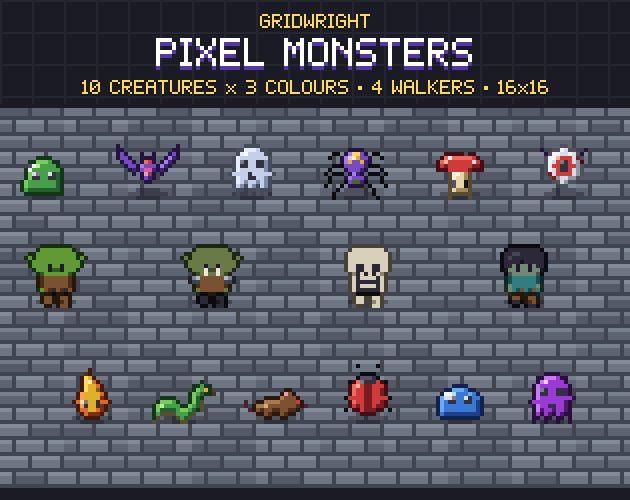
Pixel Monsters
$9.99Characters & creatures · 386 sprites, 14 monsters
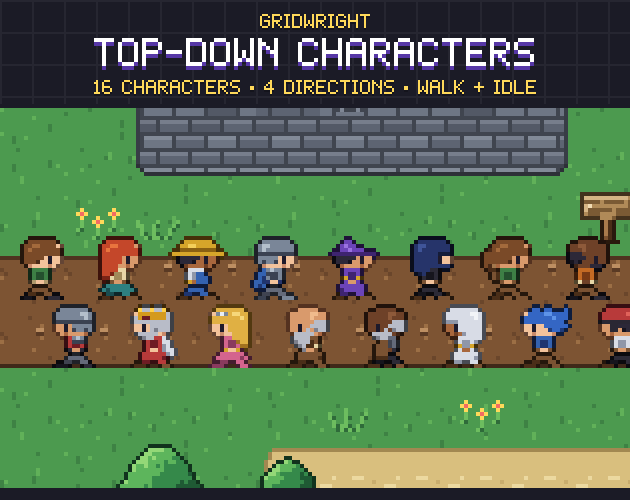
Top-Down Characters
$9.99Characters & creatures · 16 characters, 4 directions
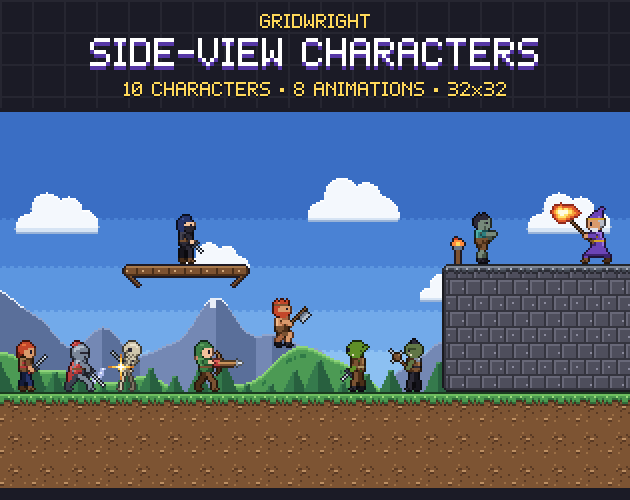
Side-View Characters
$9.99Characters & creatures · 10 characters, animated
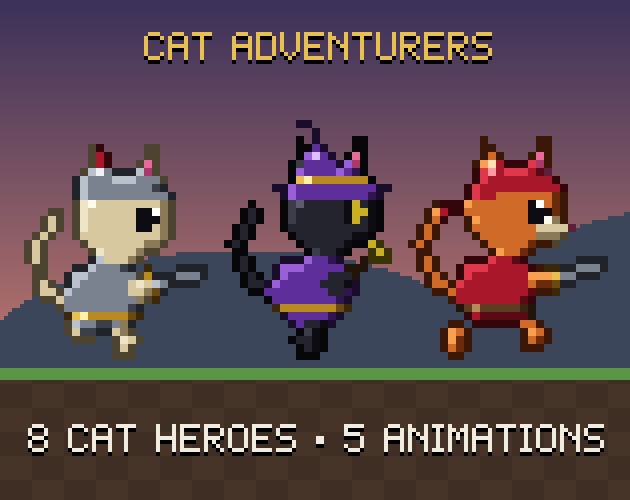 Here first
Cat Adventurers
$9.99Characters & creatures · 160 frames
 Here first
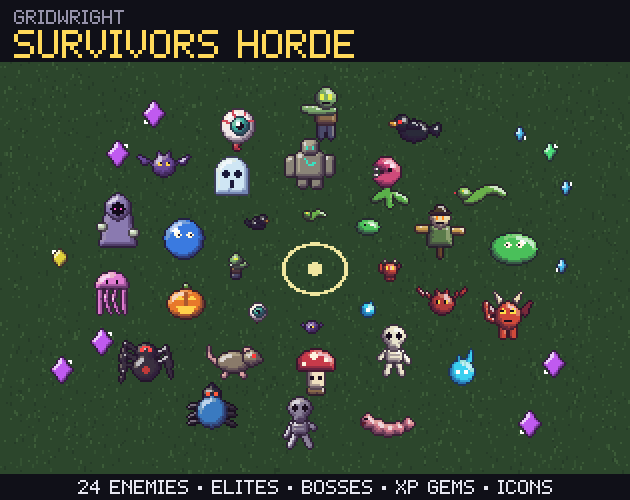
Survivors Horde
$9.99Characters & creatures
More tools
- PixelatorPixel art from any picture
- Normal MapsNormal maps for 2D lighting
- CRT FilterRetro screen looks for screenshots and trailers
- Sprite Sheet CutterSingle frames from a sprite sheet
- Palette SwapperNew colours for any sprite or sheet
- Sprite Sheet MakerOne sprite sheet from many frames
- Pixel Art UpscalerBigger pixel art without blur
- Pixel Art Background RemoverTransparent sprites from a flat background
- Sprite Animation PreviewerYour animation played, checked and lined up
- GIF to Sprite SheetSprite sheets and frames from animated GIFs
- Color Palette ExtractorThe palette of any picture, with pixel counts
- Tileset ExtractorThe tileset of a map picture, and the map to rebuild it
- Seamless Texture MakerSeamless textures from your photos
- Isometric BuilderIsometric maps and scenes
- Tile ModelerLow-poly 3D models and levels from 2D tiles
- Farmer GeneratorFarming RPG characters with every animation
- Hero CreatorSide-view platformer heroes
- Ship BuilderModular pixel spaceships
- Planet GeneratorRotating pixel planets
- Pixel Art Size CalculatorThe right sprite, tile and canvas sizes
- Pixel Palette & Shading Ramp MakerShading ramps and palettes for pixel art
- Godot Pixel-Perfect SetupCrisp, jitter-free pixel art in Godot 4
- Pixel Art EditorPixel art drawn in your browser
- Sound Effect GeneratorGame sound effects, from retro to sci-fi
- Dungeon & Map GeneratorDungeon, cave and overworld maps
- Particle FX BakerLooping pixel-art effects
- Autotile BuilderComplete autotile sets from a small template
- 3D Sprite Rotator4, 8 and 16 direction sprite sheets
- Chiptune ComposerChiptune music and loops for your game
- Pixel Tree & Plant GeneratorPixel-art trees and plants, with wind